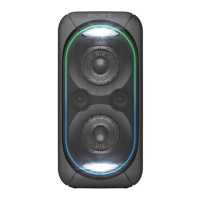
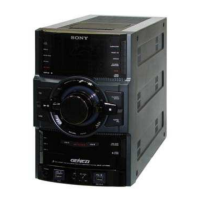
GTK-XB72
17
Sony CONFIDENTIAL
For Authorized Servicer
2-12. MIC BOARD
How to install the knob (MIC)
When installing the knob (MIC) to the rotary encoder,
align the directions of the D-shaped tip of the rotary
encoder and the D-shaped notch at the inner side
of the knob (MIC).
1 FFC (KN-MAIN)
(5 core) (XP37)
3 Remove the MIC board block
in the direction of the arrow.
4 MIC board block
5 FFC (KN-MAIN)
(5 core) (XP10)
6 knob (MIC)
7 two screws
(M3 u 10)
2 two screws
(M3 u 10)
9 MIC board
Note:
When installing the MIC board,
align the two bosses and two holes.
front side
8 button (party chain) assy
knob (MIC)
rotary encoder
rear side
terminal
side
terminal
side
boss
boss
two holes
top side
rear side
SYSSET
2019/01/1806:06:34(GMT+09:00)



 To Next Page
 Loading...