6
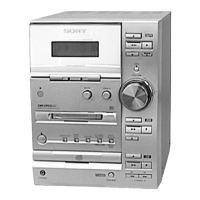
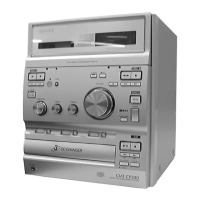
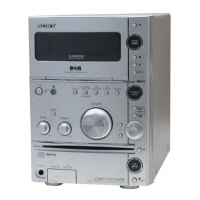
HCD-CP333
Setting the time
1 Turn on the system.
2 Press TIMER SET on the remote.
If you are setting the clock for the first time,
go to step 5.
3 Press ./> on the remote
repeatedly until “CLOCK” appears in
the display.
4 Press ENTER on the remote.
The hour indication flashes.
5 Press ./> on the remote
repeatedly to set the hour.
6 Press ENTER on the remote.
The minute indication flashes.
7 Press ./> on the remote
repeatedly to set the minute.
8 Press ENTER on the remote.
The clock will begin operating.
To reset the system clock
Start over from step 1.
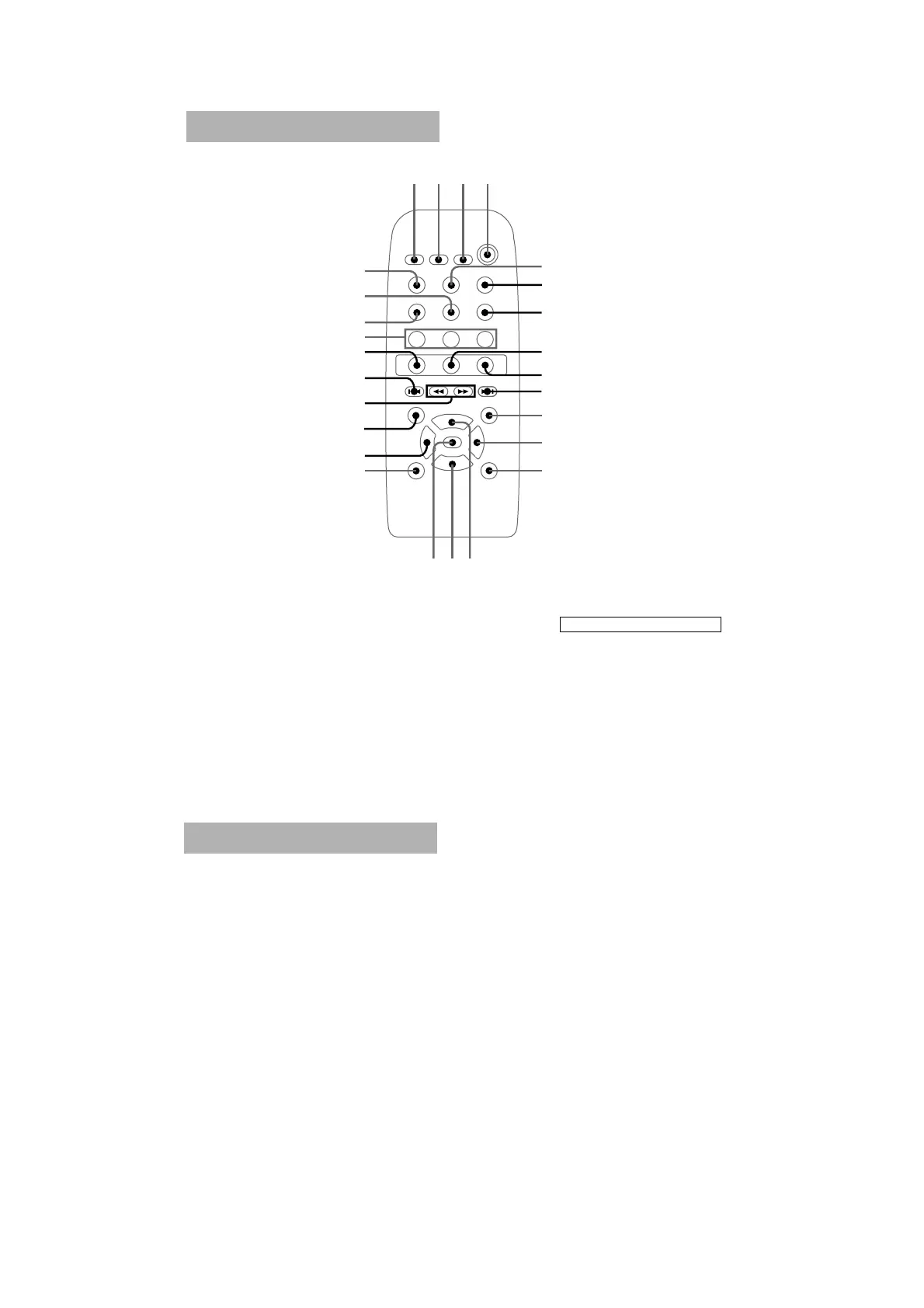
BASS/TREBLE ql
CD wj
DIRECTION qj
DISC1 wf
DISC2 wg
DISC3 wh
DISPLAY qs
DSG qa
ENTER qh
FUNCTION 5
MEMORY qk
PLAY MODE wl
SLEEP 1
STEREO/MONO qd
TAPE A/B wk
TIMER SELECT 2
TIMER SET 3
TUNER/BAND 7
TUNING MODE 6
VOL + qf
VOL – qg
BUTTON DESCRIPTIONS
N wd
X 8
x 9
. ws
> 0
m w;
M wa
@/1 (power) 4
NX x
?/1
123
4
6
5
wl
ql
w;~wa
ws
wd
qj
wk
wj
7
8
9
q;
qa
qd
qgqfqh
qs
wf~wh
qk
Remote Control


 To Next Page