10
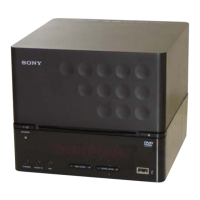
HCD-DX375
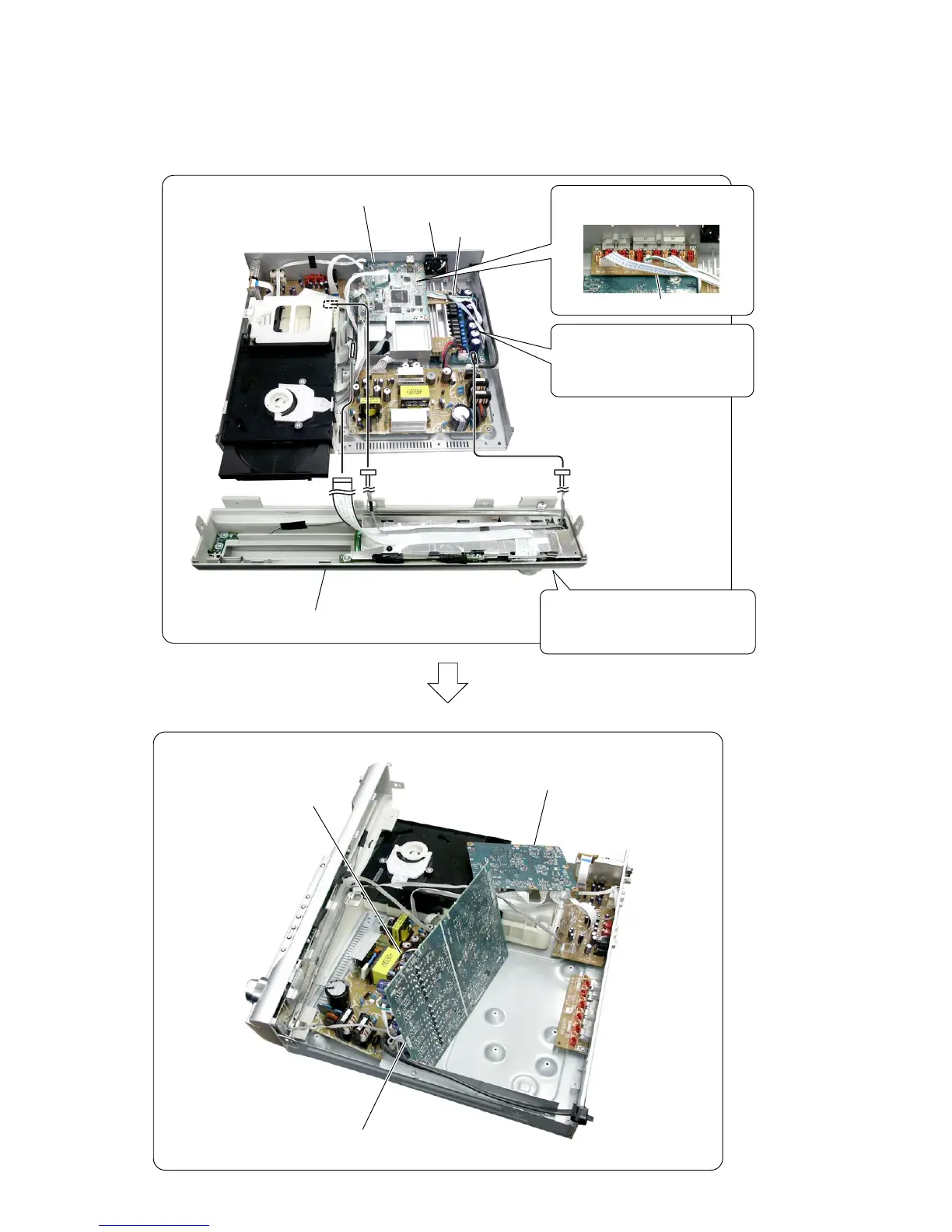
• MAIN board service position
Connect the flexible cable and
harnesses from the front panel assy.
Front panel assy
DMB12 board
DMB12 board, bracket (HDMI)
D.C.fan
D.C.fan
MAIN board
MAIN board
SPEAKER board
Remove the DMB12 board ,
bracket (HDMI), D.C.fan and the
MAIN board once.
Then create the service position.
Remove the three connectors of
the SPEAKER board.


 To Next Page