13
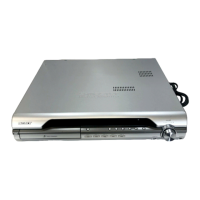
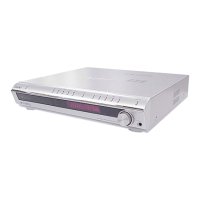
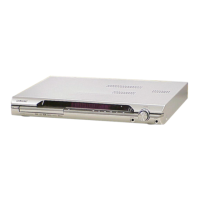
HCD-DX375
Remote control
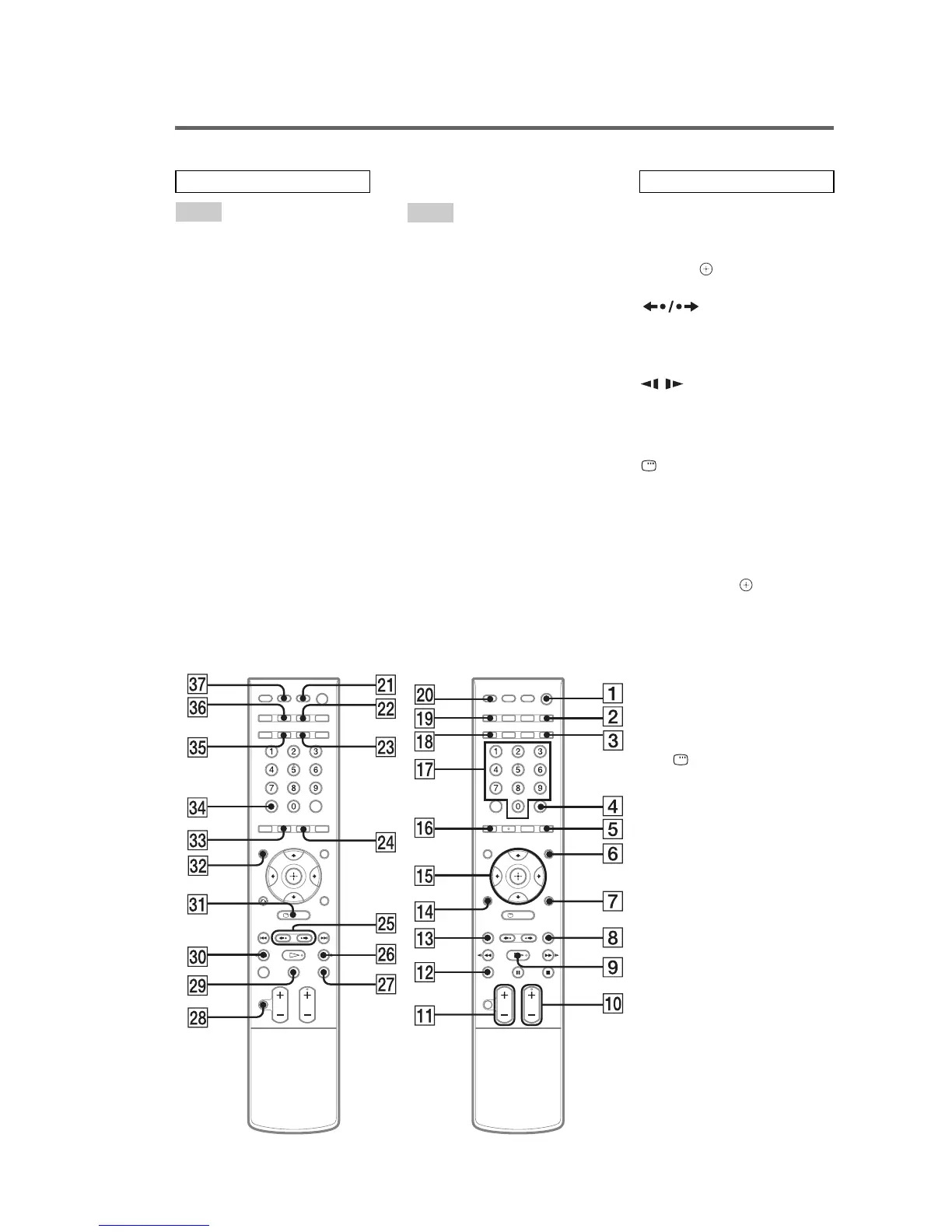
AMP MENU
3)
7 (22, 32, 61, 63,
98)
ANGLE 5 (48)
AUDIO
2)
ed (44)
CLEAR ef (37, 58, 61, 72)
D.TUNING wf (58)
DISC SKIP qs (30)
DISPLAY 2 (46, 59)
DYNAMIC BASS 3 (62)
ENTER
1)
4 (19, 22, 32, 37, 57,
64)
FUNCTION +/–
2)
0 (26, 30, 32,
39, 57, 67)
MENU 6 (43, 57)
MOVIE/MUSIC wd (33)
MUTING wk (30)
Number buttons
2)
qj (37, 58, 60,
64)
PICTURE NAVI qh (38, 61)
PRESET +/– 8 qd (58)
PROGRESSIVE qk (26)
SLEEP eh (63)
SA-CD/CD ws (49)
SOUND FIELD eg (34)
SUBTITLE wf (48)
THEATRE SYNC wa (61)
TOP MENU es (43)
TUNING +/– wh e; (57)
TV w; (60)
TV CH +/–
2)
0 (60)
TV VOL +/– qa (60)
TV/VIDEO ql (60)
VOLUME +/–
qa (30, 58, 78)
[/1 (on/standby) 1 (19, 22, 30,
39, 58)
TV [/1 (on/standby) ej (60)
C/X/x/c/
3)
qg (19, 22, 32, 37,
57, 64)
REPLAY/
ADVANCE wg (30)
./> qd 8 (30)
m/M e; wh (36)
/ e; wh (36)
H (play)
2)
9 (30, 39, 65)
x (stop) wj (31, 39, 64)
X (pause) wl (31)
DISPLAY
3)
ea (20, 37, 64,
94)
O RETURN
3)
qf (38)
-/-- ef (60)
1)
The ENTER button is the same
function as the button.
2)
The H, number 5, AUDIO, and
FUNCTION + (TV CH +)
buttons have tactile dots. Use
the tactile dots as references
when operating the system.
3)
After pressing the TV button w;,
you can control the menu on a
Sony TV. On the menu screen,
the DISPLAY button ea
doubles as the MENU button,
and the AMP MENU button 7
double as the TOOLS button.
Note that depending on the
component, you may not be able
to use some or all of the buttons.
ALPHABETICAL ORDER
A – O
P – Z
BUTTON DESCRIPTIONS


 To Next Page