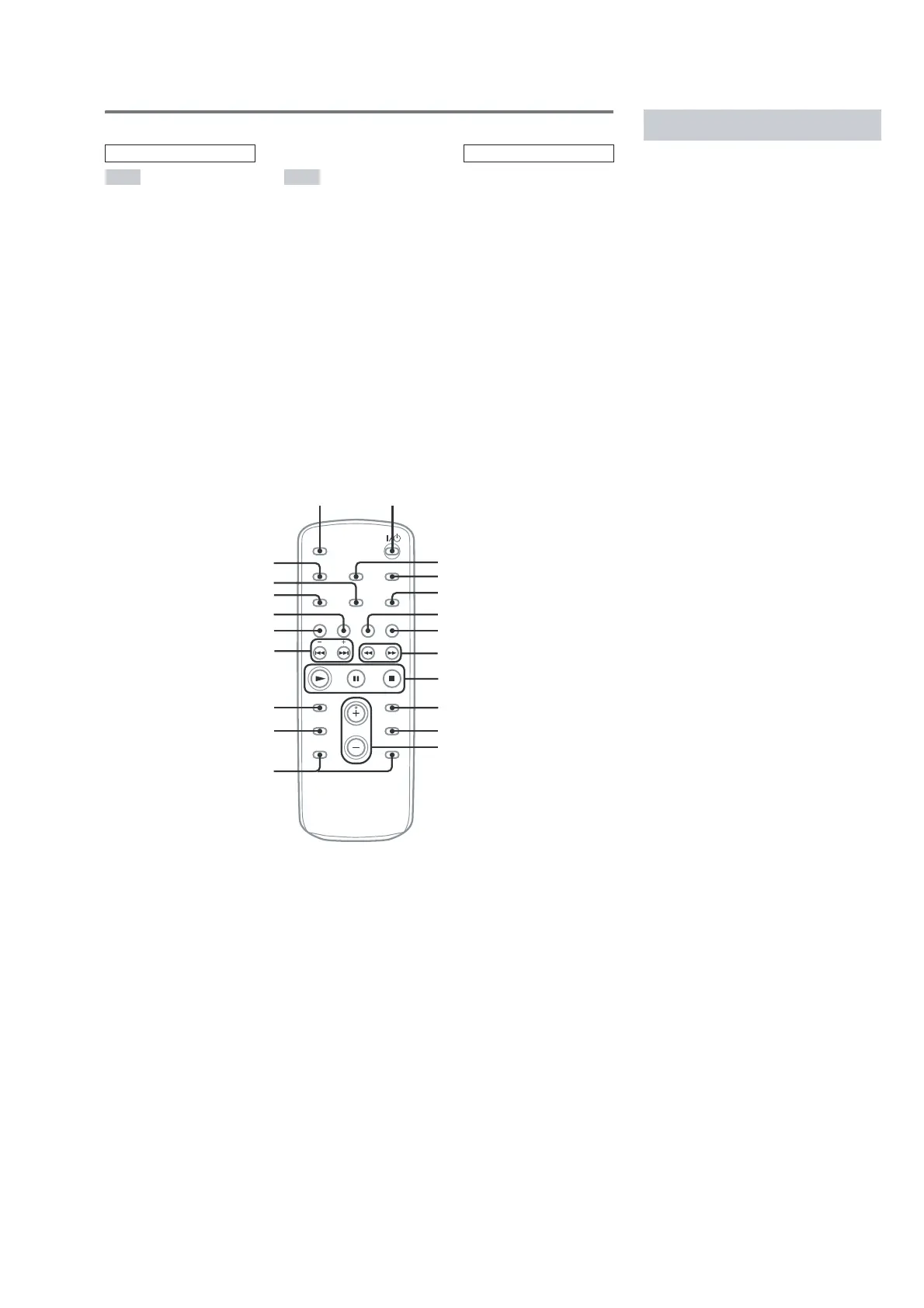
Use buttons on the remote for the operation.
1 Press ?/1 to turn on the system.
2 Press CLOCK/TIMER SET.
3 Press ./> repeatedly to set the
hour.
4 Press ENTER.
5 Press ./> repeatedly to set the
minute.
6 Press ENTER.
The clock starts working.
To adjust the clock
1
Press CLOCK/TIMER SET.
2
Press ./> until “CLOCK SET”
appears, then press ENTER.
3
Do the same procedures as step 3 to 6
above.
Note
The clock is not displayed in Power Saving Mode.
Setting the cl ock
* This button is not available for this model.



 To Next Page