25
GB
Playback Options
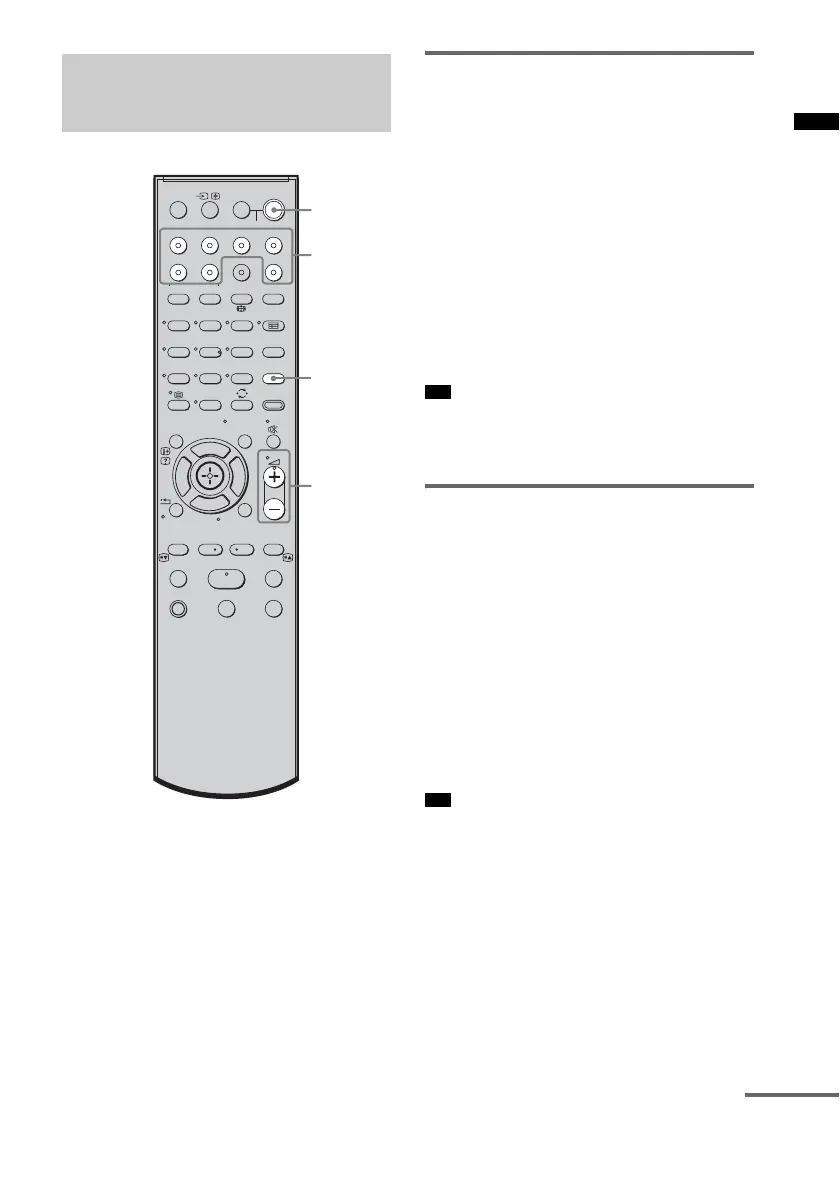
Enjoying satellite/cable
television tuner
1 Turn on the TV.
Refer to the operating instructions of your
TV for details.
2 Turn the satellite/cable television tuner
and the system on.
3 Press SAT/CATV on the remote.
4 Change the TV input.
Refer to the operating instructions of your
TV for details.
5 Adjust the volume of the system.
• The sound may be output from the TV’s speaker. In
this case, turn the volume of the TV’s speaker down
to the minimum.
Enjoying Blu-ray Disc, DVD or
“PlayStation 3”
1 Turn on the TV.
2 Turn the Blu-ray Disc/DVD player
(recorder) or “PlayStation 3” and the
system on.
3 Press BD or DVD on the remote.
4 Change the TV input.
Refer to the operating instructions of your
TV for details.
5 Play back the disc.
• Even if you play back Dolby True HD, Dolby Digital
Plus or DTS HD with a connected component
compatible with these sound formats, the system
accepts as Dolby Digital or DTS. When you play back
these high-quality sound formats, set the connected
component to output the sound in multi channel PCM,
if possible.
Enjoying other
components
123
46
78
0
ENTER
9
THEATRE
TV
?/1
AV
?/1
TV BD DVD
DIGITAL1 DIGITAL2 TUNER/BAND DMPORT
SAT/CATV
TOP MENU
MENU
BD/DVD
RETURN/EXIT
TV
TUNING
-
TUNING
+
F1 F2
AMP MENU
CLEAR
DISPLAY
NIGHT
MODE
SOUND
FIELD
AUDIO
ANALOGDIGITAL
?/1
TV CH
-
PRESET
-
TV CH
+
PRESET +
F
Gg
f
.
mM
Xx
<
<
>
5
SYSTEM STANDBY
MENU/HOME
TOOLS/
OPTIONS
N
?/1
2 +/–
Input
buttons
SOUND
FIELD
Tip
Tip
continued



 To Next Page