43
GB
Advanced Settings
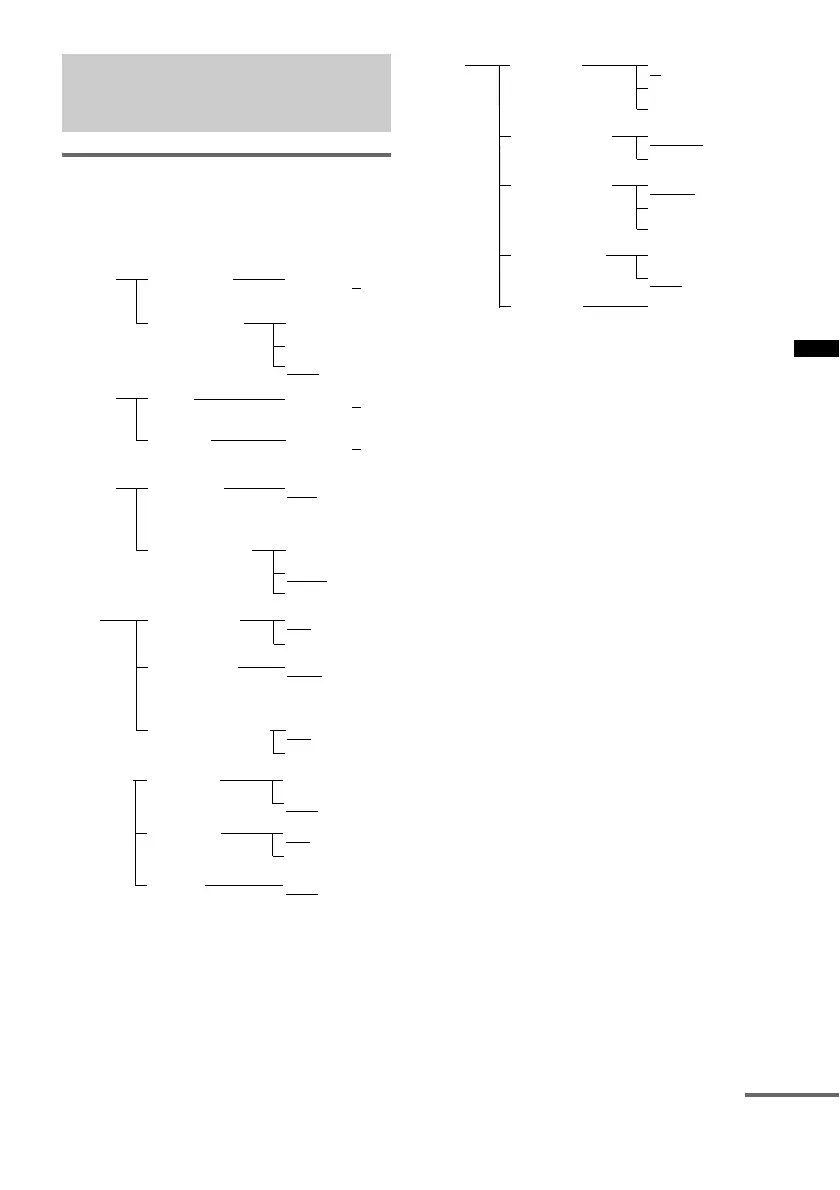
Using the AMP menu
You can set the following items with AMP
MENU on the remote.
The default settings are underlined.
1)
Refer to ““BRAVIA” Sync Features” (page 29).
2)
This setting appears only when “CTRL: HDMI” is
set to “ON.”
3)
This setting appears only when you insert the S-AIR
transmitter (not supplied).
1 Press AMP MENU to turn on the AMP
menu.
2 Press C/X/x/c repeatedly to select the
item and the setting.
3 Press AMP MENU to turn off the AMP
menu.
The following pages show details for each
setting.
Settings and adjustments
using the amplifier menu
ON
OFF
CTRL: HDMI
MAX, 49,
48,…2, 1,
MIN
VOL LIMIT
2)
SET
HDMI
1)
LEVEL
–6, –5,…0,...
+5, +6
SW LEVEL
BASS
–6, –5,…0,...
+5, +6
–6, –5,…0
,...
+5, +6
TREBLE
TONE
MAX
STD
AUDIO DRC
OFF
AUDIO
0ms, 10ms,
20ms,…
190ms, 200ms
A/V SYNC
MAIN/SUB
MAIN
DUAL MONO
SUB
ON
OFF
POWER SAVE
2)
OFF, 10M,
20M,…80M,
90M
SLEEP
ON
OFF
DIMMERSYSTEM
ON
OFF
DISPLAY
START
PAIRING
SET
S-AIR
3)
A
B
S-AIR ID
C
PARTY
SEPARATE
S-AIR MODE
AUTO
ON
RF CHANGE
OFF
ON
OFF
S-AIR STBY
continued



 To Next Page