41
GB
Advanced Settings
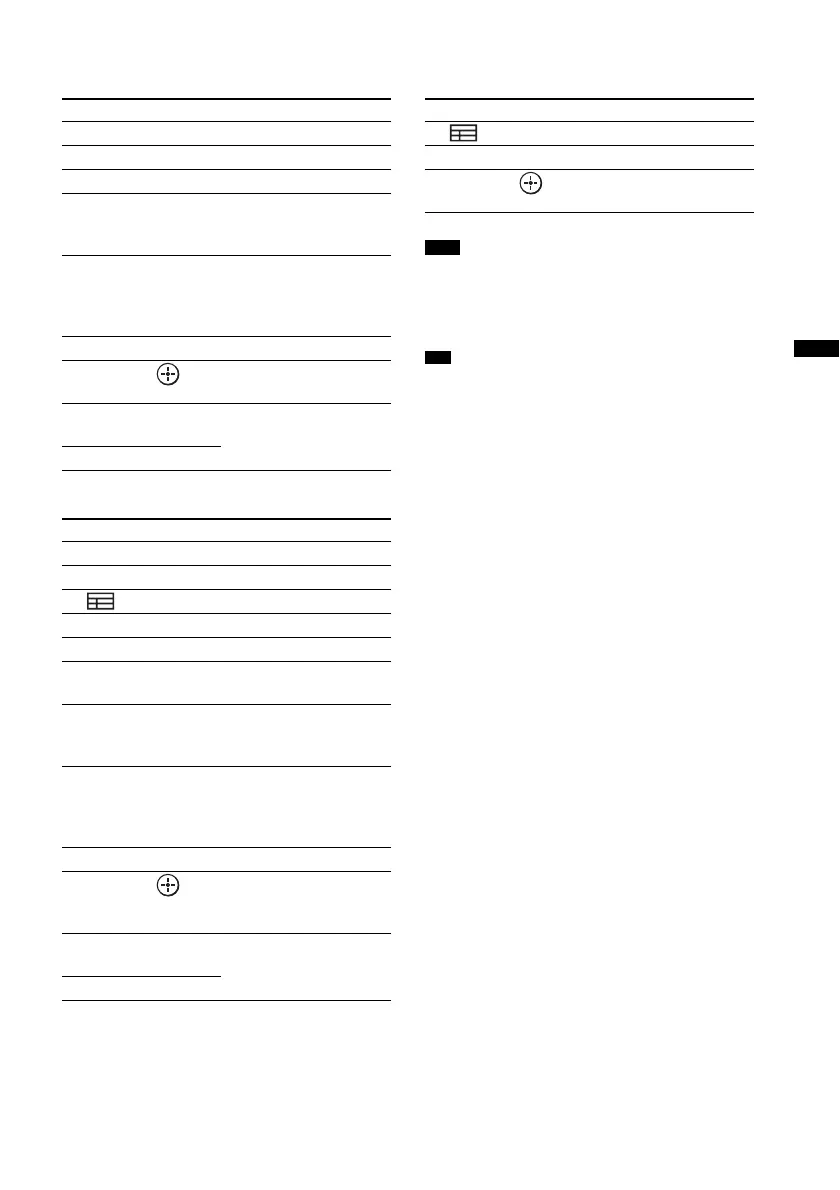
To control the Blu-ray Disc/DVD
player
To control the HDD/DVD COMBO
To control the satellite/cable
television tuner
• The above explanations are intended to serve as an
example only. Depending on the component, the
above operations may not be possible, or may operate
differently than described.
• The 5, N, and
2 + buttons have a tactile dot. Use
it as a guide during operation.
Remote Button Function
9 MENU/HOME Displays the MENU.
q; •
, Jumps forward.
qa ./> Skips chapters.
qs m/M To fast reverse or to fast
forward the disc when
pressed during playback.
qd N (playback)/X
(pause, press again to
resume normal
playback)/x (stop)
Play mode buttons.
qf
< • Jumps backward.
qh C, X, x, c, Selects a menu item and
enters the selection.
w; BD/DVD
TOP MENU
Displays the top menu/disc
menu.
wa BD/DVD MENU
Remote Button Function
2 F1 Selects the HDD.
3 F2 Selects the DVD.
4 (Guide) Displays the guide menu.
9 MENU/HOME Displays the MENU.
q; •
, Advance.
qa ./> Specifies the previous/next
chapter/track.
qs m/M To fast reverse or to fast
forward the disc when
pressed during playback.
qd N (playback)/X
(pause, press again to
resume normal
playback)/x (stop)
Play mode buttons.
qf
< • Changes to replay mode.
qh C, X, x, c, Moves the highlight
(cursor) and selects the
item.
w; BD/DVD
TOP MENU
Displays the top menu/disc
menu.
wa BD/DVD MENU
Remote Button Function
4 (Guide) Displays the guide menu.
9 MENU/HOME Displays the MENU.
qh C, X, x, c, Selects a menu item and
enters the selection.
Note
Tip



 To Next Page