36
US
Navigating through
menus
By using the amplifier menus, you can make
various adjustments to customize the receiver.
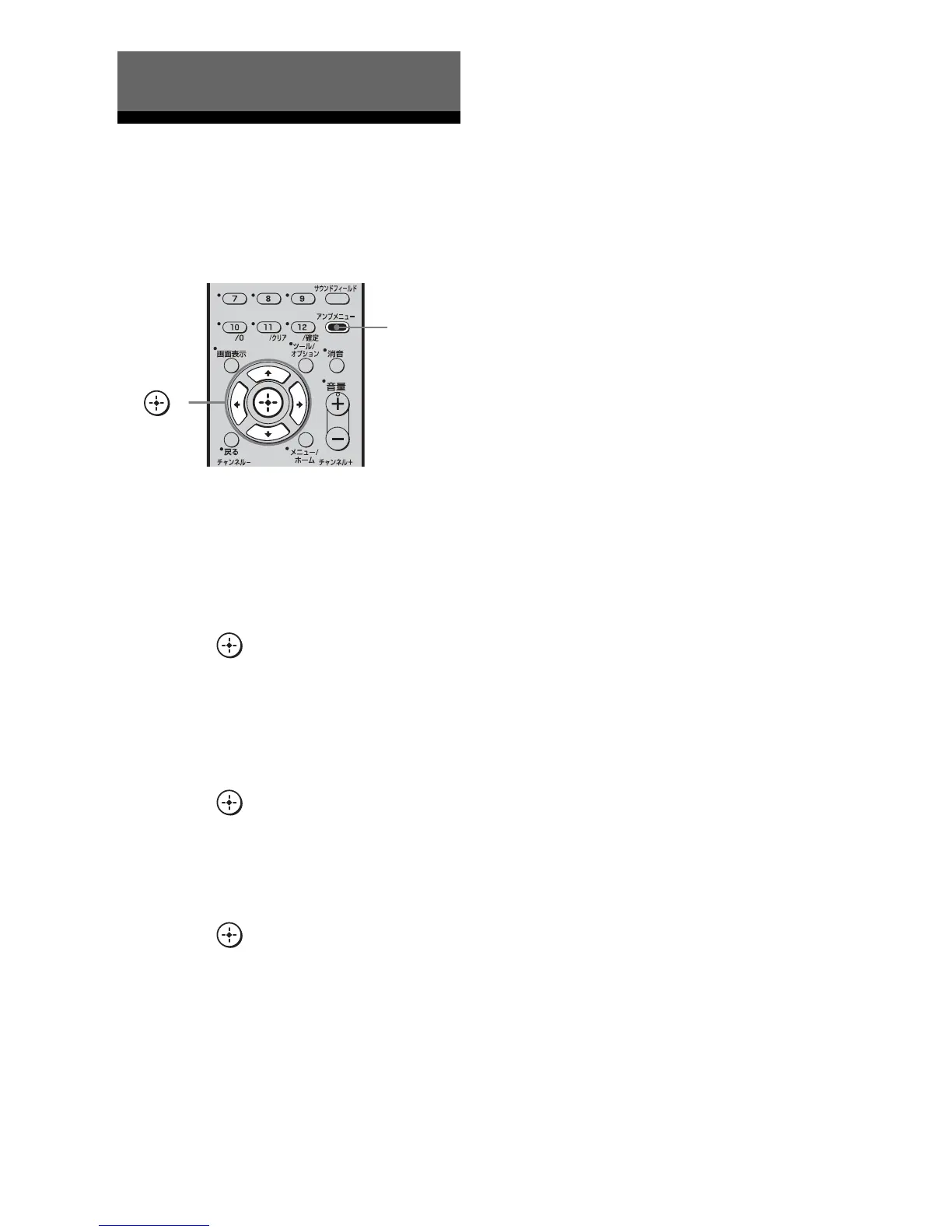
1 Press AMP MENU.
“SET HDMI” appears on the display.
2 Press V/v repeatedly to select
the menu you want.
3 Press or b to enter the
menu.
4 Press V/v repeatedly to select
the parameter you want to
adjust.
5 Press or b to enter the
parameter.
6 Press V/v repeatedly to select
the setting you want.
7 Press or b to enter the
setting.
To return to the previous
display
Press B.
To exit the menu
Press AMP MENU.
Amplifier Operations
,
V,v,B,b
AMP
MENU



 To Next Page