53
US
Using “BRAVIA” Link features
Using the Power Saving
function
(Power Save)
You can reduce the receiver’s power
consumption when you connect a “BRAVIA”
Sync-compatible TV to this receiver during
active standby mode if the TV is turned off and
HDMI signal transmission is stopped.
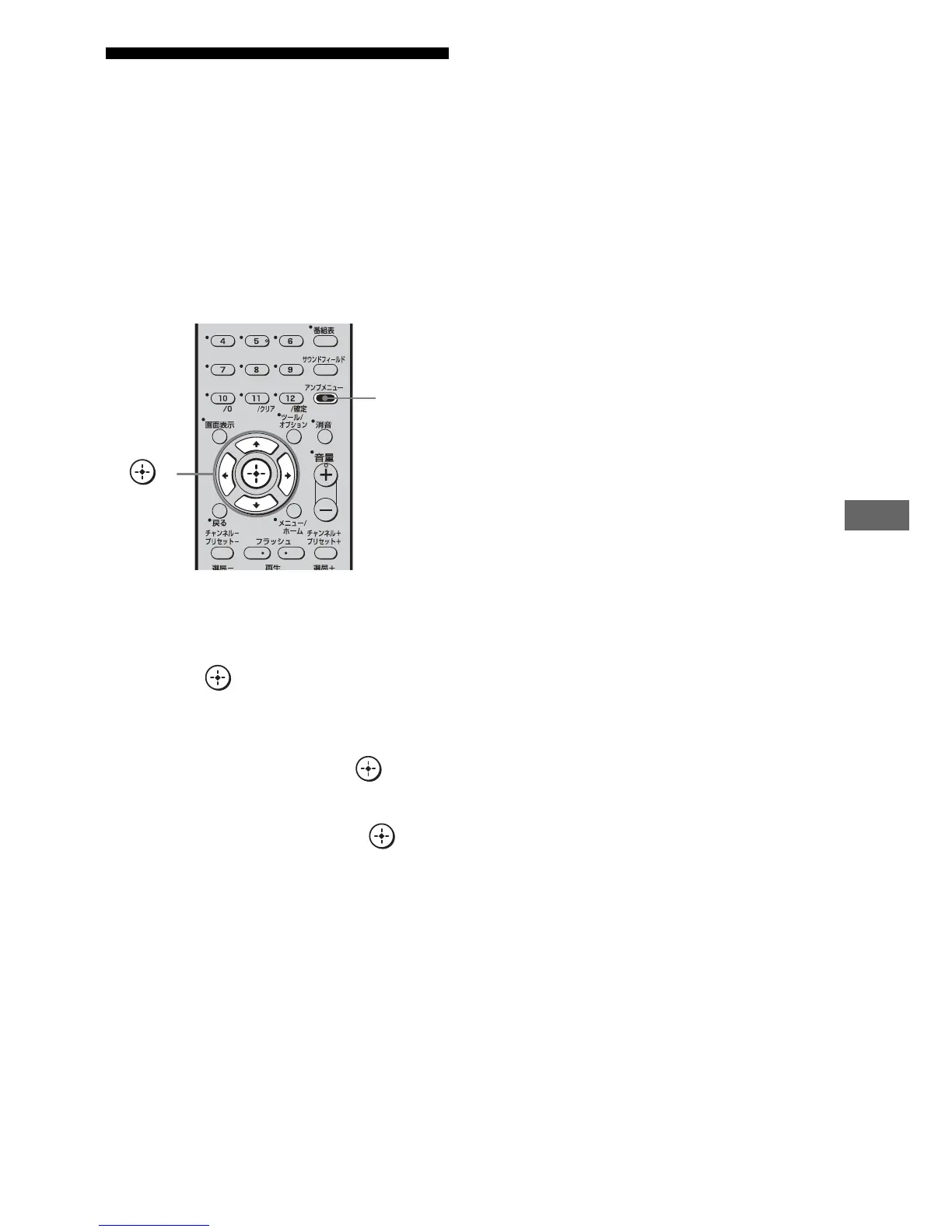
1 Press AMP MENU.
“SET HDMI” appears on the display.
2 Press or b to enter the
menu.
3 Press V/v repeatedly to select
“P.SAVE”, then press
or b.
4 Press V/v repeatedly to select
the setting, then press
or b.
• SAVE ON: Reduces power consumption in
standby mode. HDMI signal transmission
occurs only when the TV is on.
• SAVE OFF: No reduction. HDMI signal
transmission occurs continuously.
5 Press AMP MENU.
The AMP MENU turns off.
Notes
• The power saving function may not work for some
TVs compatible with the “BRAVIA” Link. In this
case, set “P.SAVE” to “SAVE OFF.”
• Depending on your components, it may take time
before image or sound is output.
• This function is available only when the Control
for HDMI function is set to on.
.
<
<
>
,
V,v,B,b
AMP
MENU



 To Next Page