29
GB
Selecting the Sound Effect
• The virtual surround is processing when a
sound field other than [Music] is selected,
though this may not work if audio source
is not multi-channel.
Tips
• You can select [ClearAudio+] by pressing
CLEAR AUDIO+ on the remote control.
• You can select the sound field from the
options menu (page 60).
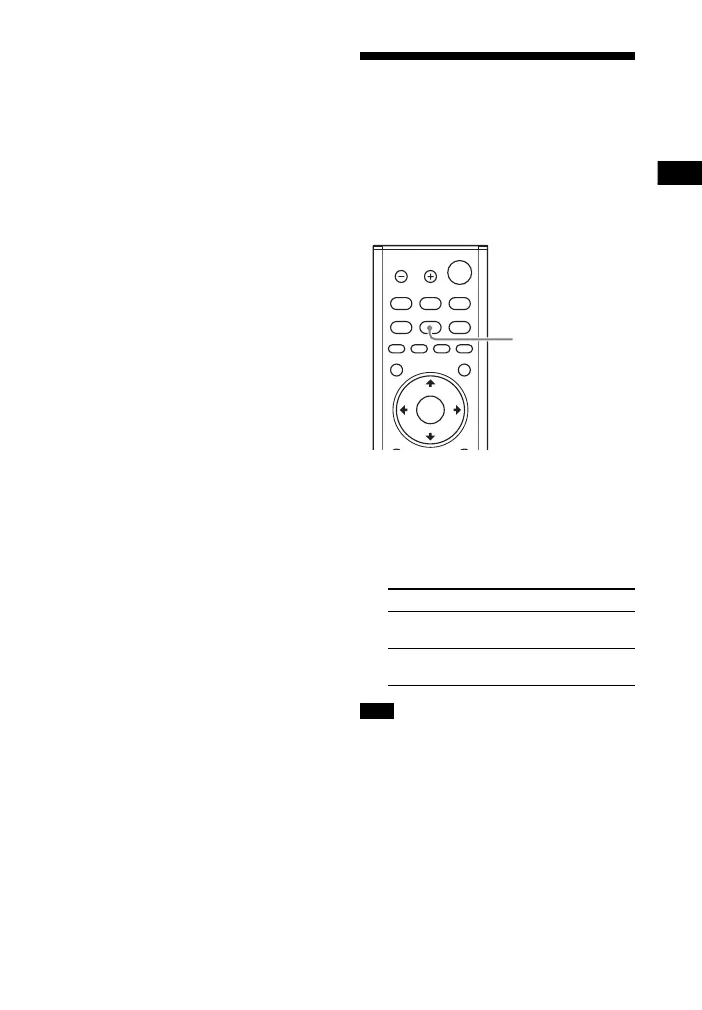
Enjoying Clear Sound
with Low Volume at
Midnight (NIGHT)
Sound is output at low volume with
minimum loss of fidelity and clarity of
dialogue.
1 Press NIGHT.
The night mode appears on the TV
screen.
2 Press the button repeatedly to
select the night mode.
When you turn the system off, this setting
is set to [Off] automatically.
Tip
You can select [Night] from the options
menu (page 60).
Mode Explanation
[On] Activates the night
mode function.
[Off] Deactivates the night
mode function.
Note



 To Next Page