41
GB
Listening to Music/Sound Using the Network Function
7 Select and play music on the
Chromecast-enabled app.
The music is played on the system.
Depending on the country and region,
Chromecast built-in and the Chromecast-
enabled app may not be provided.
Using Spotify
You can select the music on the Spotify
app and play it on the system. To play
on the system, you need the Spotify
Premium account.
1 Connect the mobile device by Wi-
Fi to the same network as that of
the system.
2 Install the Spotify app to the
mobile device.
3 Start the Spotify app and log in to
the Spotify Premium account.
4 Select and start playing the music
on the Spotify app.
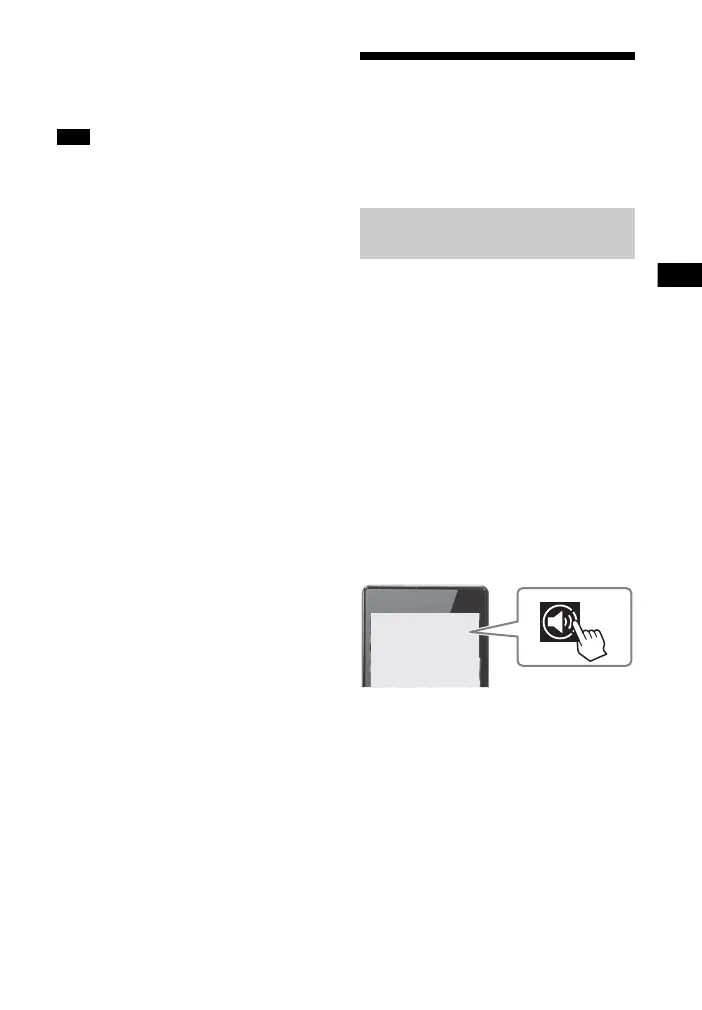
5 Select the Connect icon on the
Spotify app and select the system
as the audio output device.
The music is played on the system.
To play music quickly even when
the system is in standby mode
Set [Quick Start/Network Standby] to
[On] (page 57).
Note
Enabling the “Spotify
Connect” Function



 To Next Page