30
GB
Making Dialogues
Clearer (VOICE)
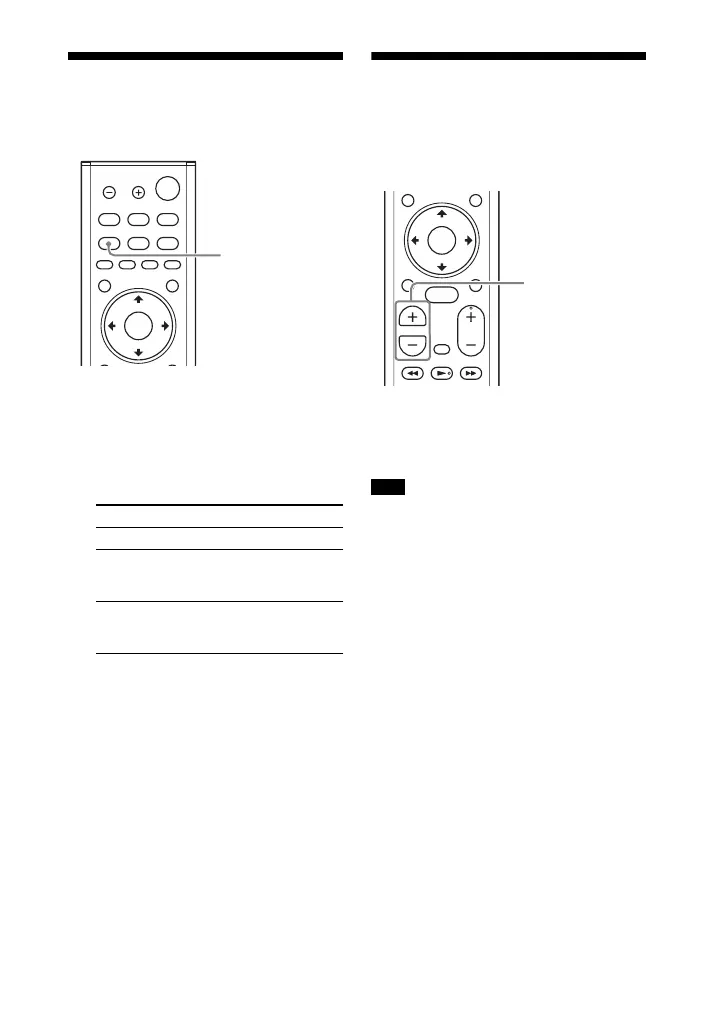
1 Press VOICE.
The voice mode appears on the TV
screen.
2 Press the button repeatedly to
select the voice mode.
Tip
You can select [Voice] from the options
menu (page 60).
Adjusting the Volume of
the Subwoofer
The subwoofer is designed for playback
of bass or low frequency sound.
Press SW (subwoofer volume) +/–
to adjust the volume of the
subwoofer.
When the input source does not contain
much bass sound, such as in TV programs,
the bass sound from the subwoofer may
be difficult to hear.
Mode Explanation
[Up Off] Standard
[Up 1] Dialogue is easily
heard by enhancing
dialogue range.
[Up 2] Dialogue range is
enhanced more than
[Up 1] mode.
Note



 To Next Page