EasyManua.ls Logo

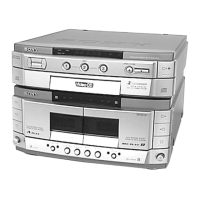
Sony HTC-VX500 - Front Panel; TC Mechanism Deck and Cassette Holder

Sony HTC-VX500
64 pages
Print Icon
To Next Page IconTo Next Page
To Previous Page IconTo Previous Page
Loading...
9
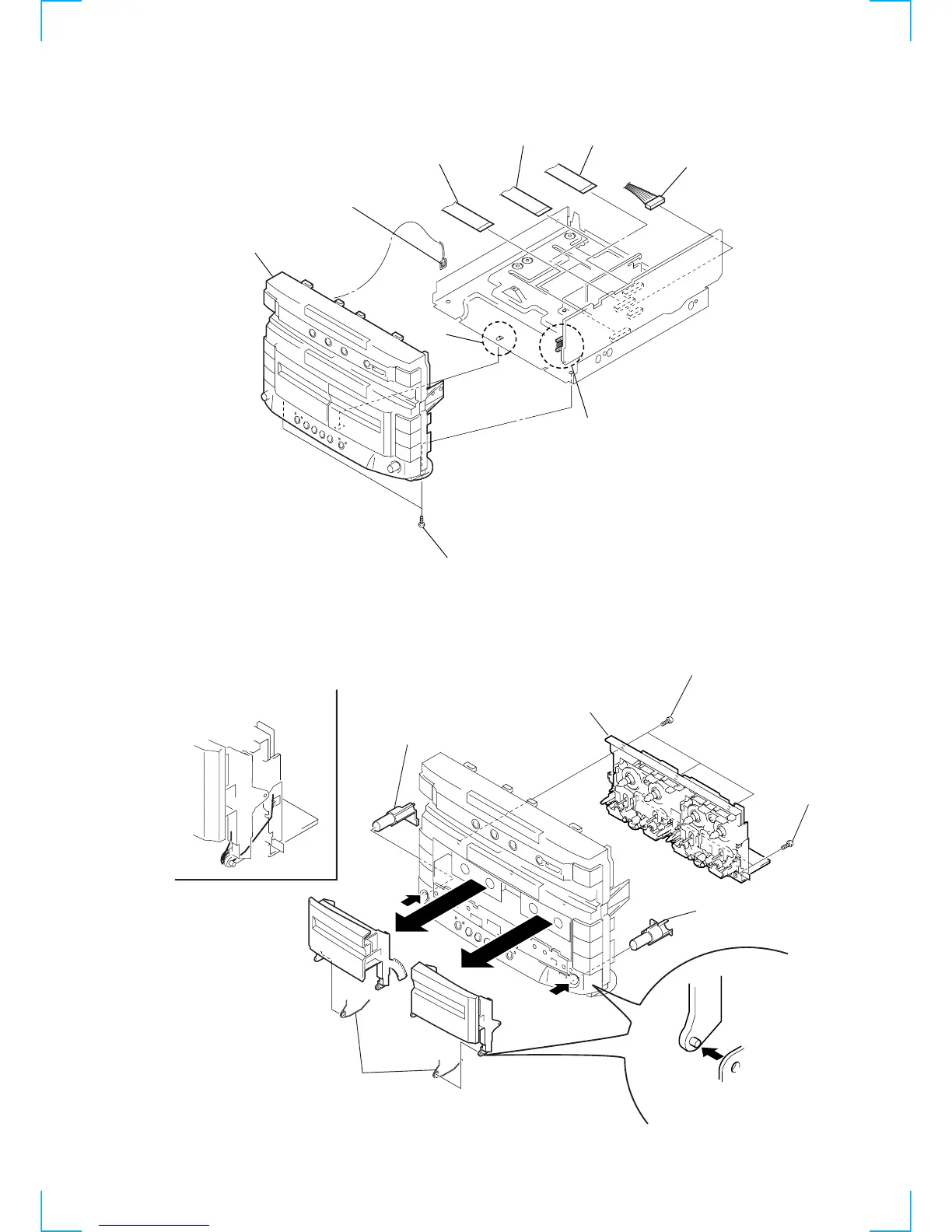
3-3. FRONT PANEL
3-4. TC MECHANISM DECK AND CASSETTE HOLDER
1
Flat type wire
(17core, CNS102)
4
Connecto
r
(CN113)
2
Flat type wire
(17core, CNS104)
5
Two screws
(BVTP3
×
10)
6
Lead (with connector)
7
Connector (CNP105)
Catcher
8
Front panel
(Remove the catcher)
3
Flat type wire
(15core, CNS101)
A
1
Three screws
(BVTP2.6
×
8)
2
Two screws
(BVTP2.6
×
8)
3
TC mechanism deck
4
Two springs
C
D
D
C
5
Remove the Cassette holder A
and Cassette holder B.
(Remove
C
first, and remove
D
.)
6
Eject button
A
7
Eject button
B
Note for installation
Set the Spring to be at the position
in the figure.
B
(Push out in the direction
of the arrow
A
.)
(Push out in the direction
of the arrow
B
.)

Related product manuals