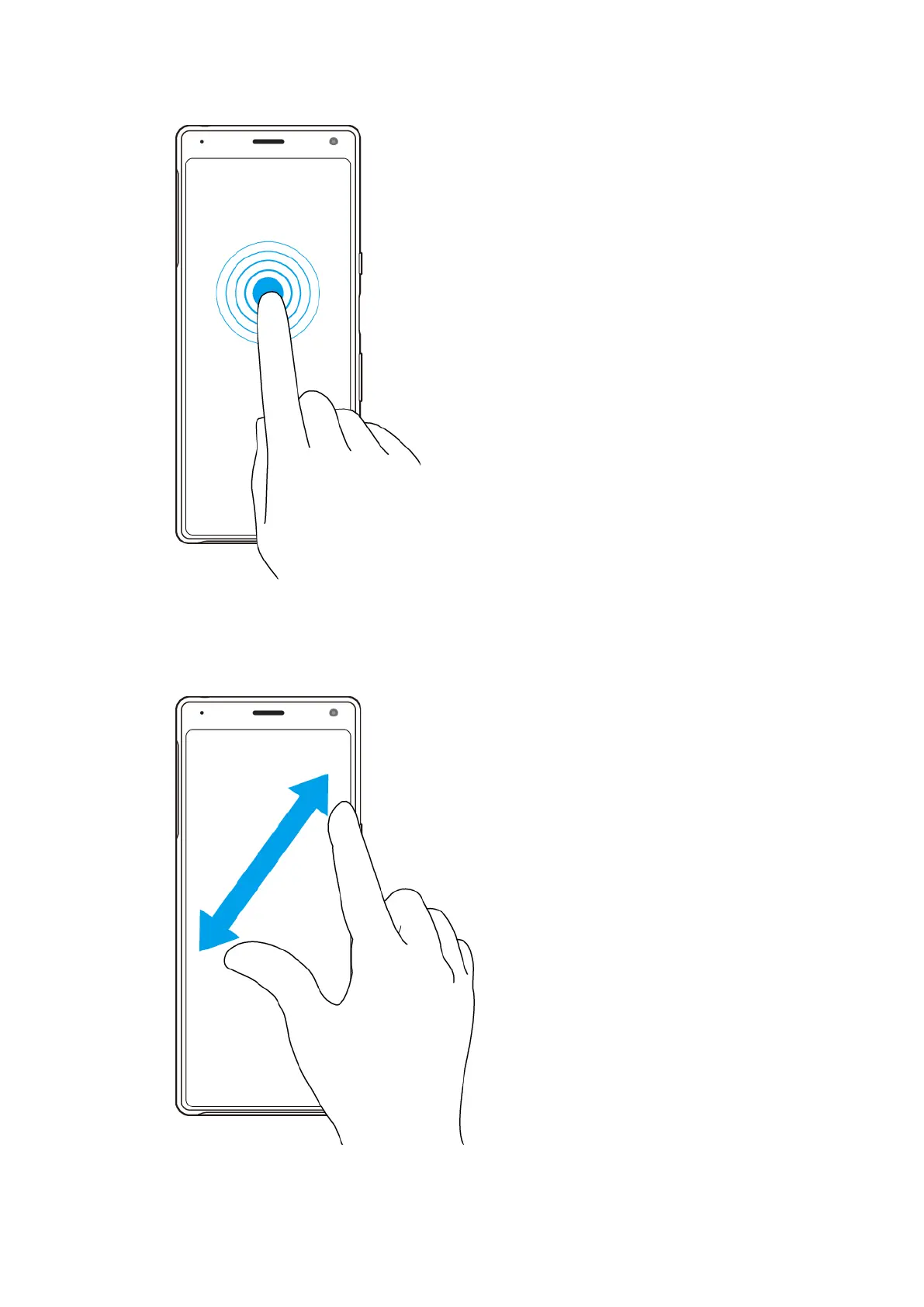
Touching and holding
• Move an it
em.
• Activate selection mode, for example, to select several items from a list.
Pinching in and out
• Pinch in and out on web pages, pho
tos and maps, and when you’re taking photos
or shooting videos.
21
Int
ernet version. For personal use only.















 To Next Page