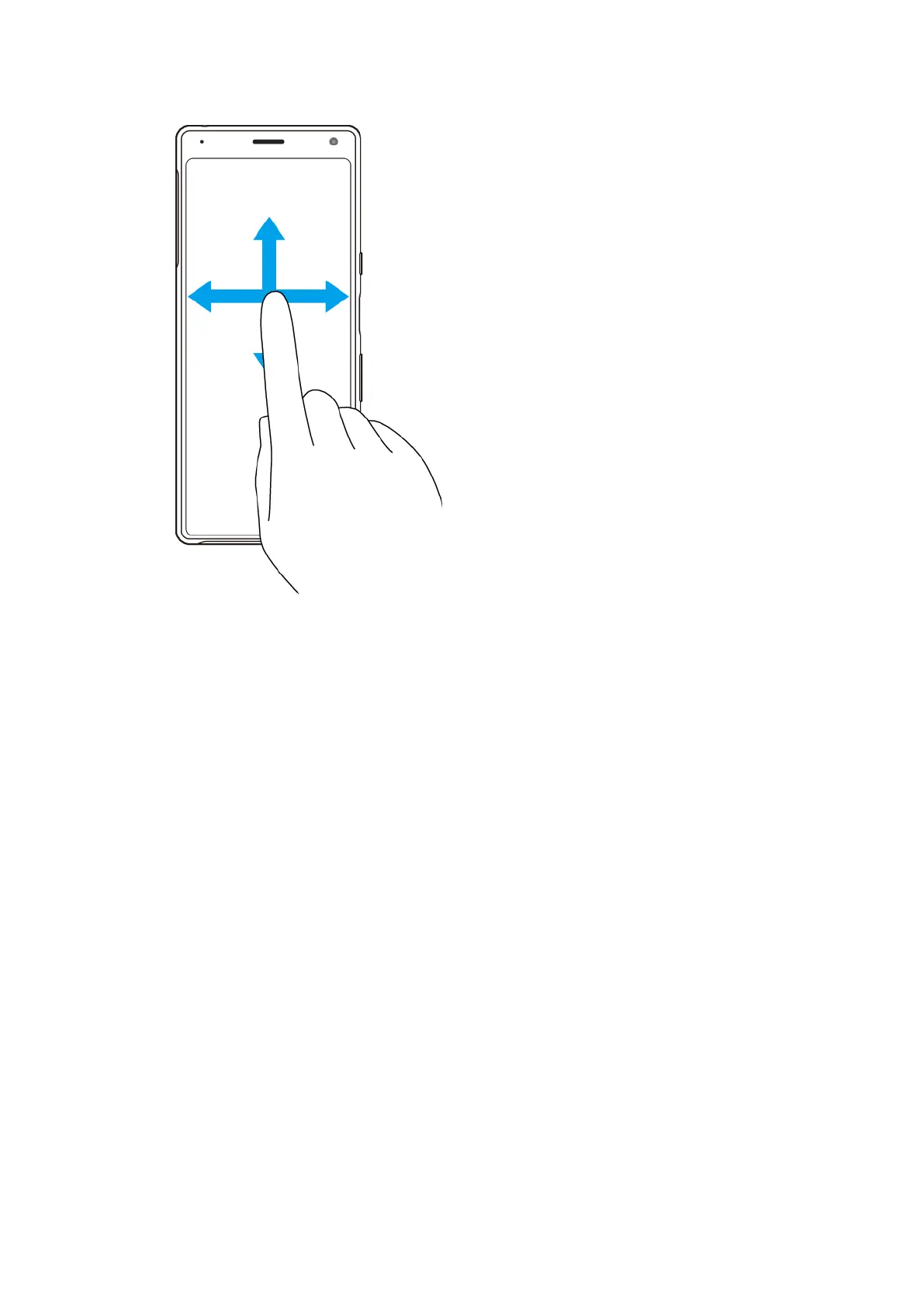
Swiping and scrolling
• Scr
oll up and down, or left and right.
• Swipe left or right, for example, between Home screen panes.
Using Side sense
The Side sense bar makes it easier to use your device with one hand. You can
display the Side sense menu by double-tapping the Side sense bar on the edge of
the screen, or return to the previous screen by sliding your nger across the
screen. Make sure to tap or slide your nger within the Side sense bar.
22
Int
ernet version. For personal use only.















 To Next Page