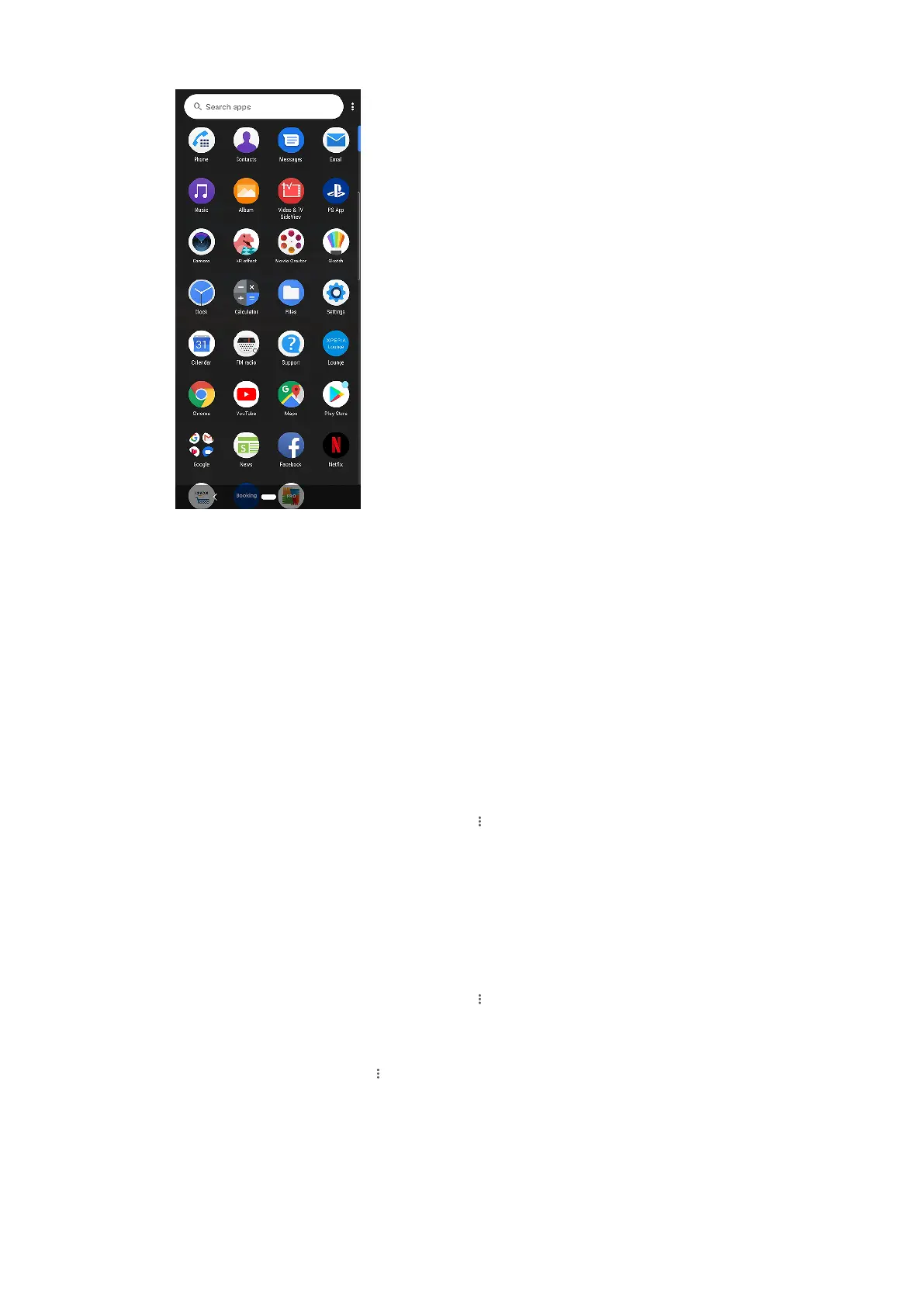
To view all applications on the Application screen
• S
wipe the Home screen upwards and then scroll up or down the Application screen
to view all applications.
To open an application from the Application screen
• When the Application screen is open, swipe upwards to nd the application, and
then tap the application.
To search for an application from the Application screen
1 When the Application screen is open, tap Search apps.
2 Enter the name of the application that you want to search for.
To arrange applications on the Application screen
1 When the Application screen is open, tap
(Menu icon).
2 T
ap Sort apps, then select an option.
To add an application shortcut to the Home screen
1 On the Application screen, touch and hold an application icon until the device
vibrates, then drag the icon upwards. The Home screen opens.
2 Drag the icon to the desired location on the Home screen, then release it.
To move an application on the Application screen
1 When the Application screen is open, tap
(Menu icon).
2 T
ap Rearrange.
3 Touch and hold the application until the device vibrates, then drag it to the new
location.
4 When you are nished, tap
(Menu icon) > Exit.
Naviga
ting applications
You can navigate between applications using the navigation buttons and the
recently used applications window. The navigation buttons are the back button
27
Int
ernet version. For personal use only.















 To Next Page