Software update features
Changes aft
er updating the software to Android 10
In addition to the update of the software to Android 10, some changes are also
made to the existing functions. The following are some of the major changes after
updating your device to Android 10.
This Xperia 10 User guide does not describe all Android 10 features and functions.
Some features, functions, settings, and elements of the screen design may dier
from the content of this User guide after updating your device to Android 10.
New design and user interface
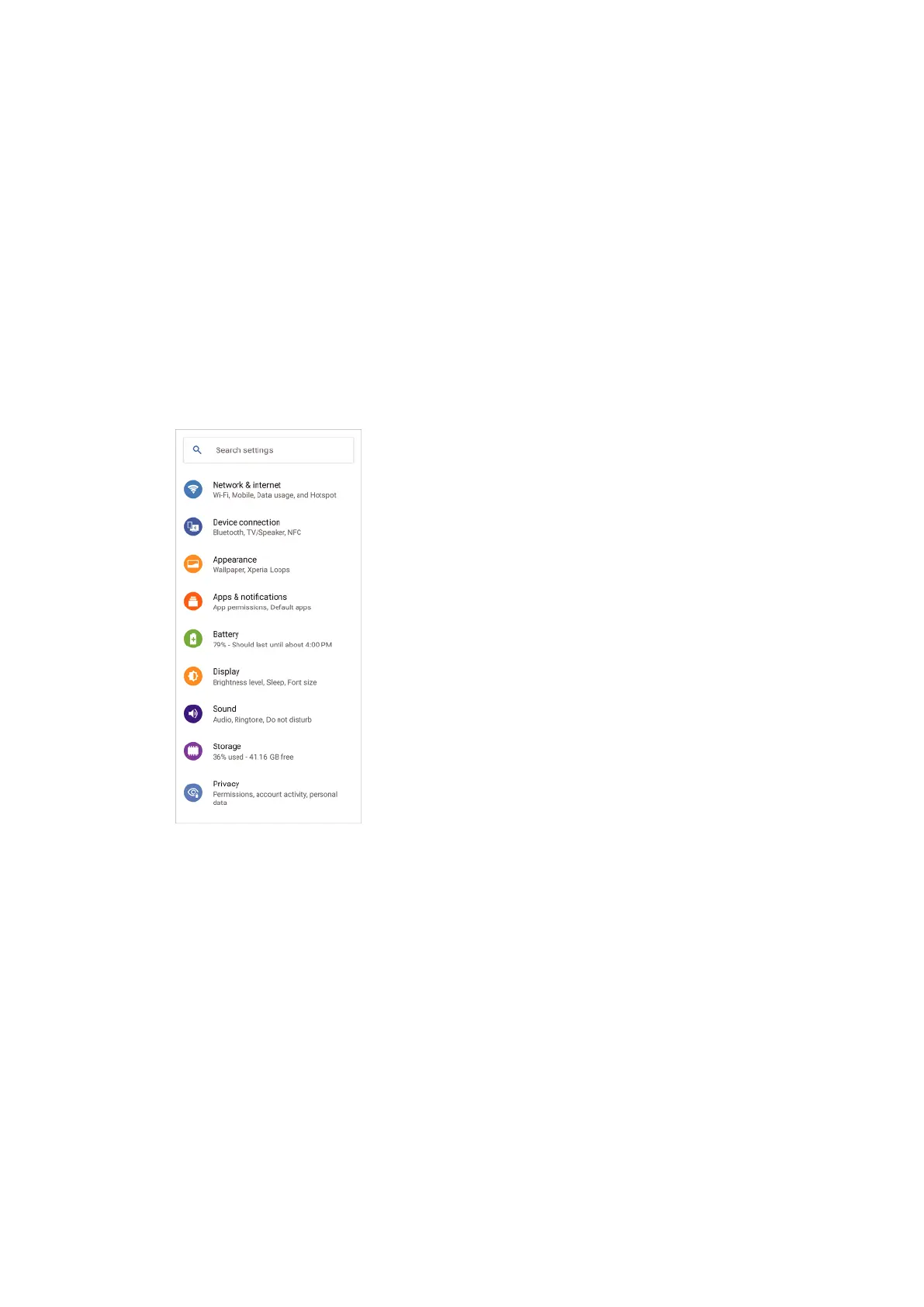
• Some aspects of the screen design and user interface have been changed.
The menu conguration or directory path to the desired item may have changed. If
you cannot nd the item in its previous location, search for it using the search box.
Phone and Contacts apps
P
hone app
• When you launch the app, a screen showing your favorite contacts is displayed by
default. You can switch the display to your call history or a list of all contacts by
tapping the icons on the bottom. The screen design of the app has also been
changed.
6
Internet version. For personal use only.















 To Next Page