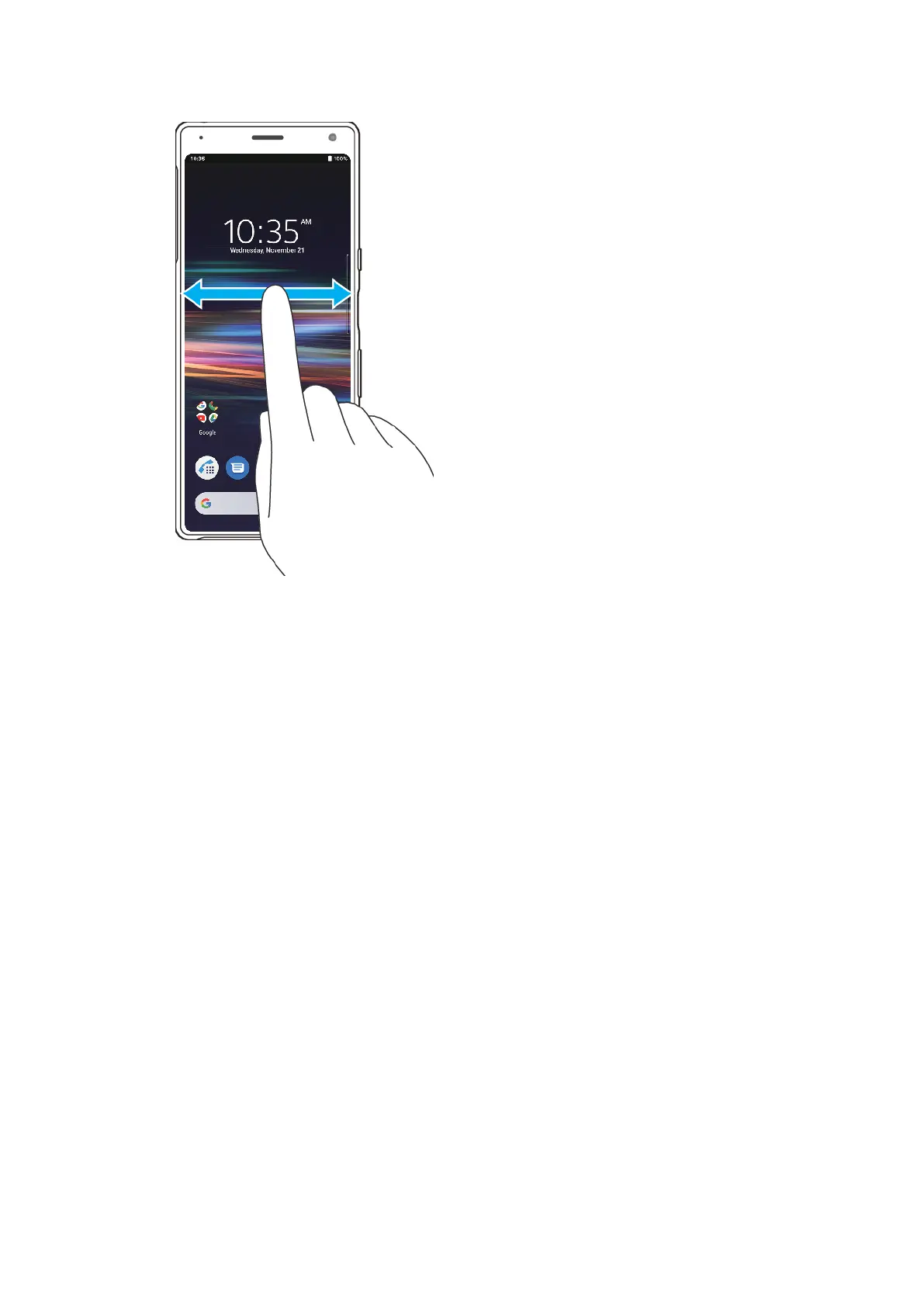
To browse the Home screen
To allow Home screen rotation
1 T
ouch and hold an empty area on your Home screen until the options menu opens.
2 Tap Home settings.
3 Tap the Allow Home screen rotation switch.
Application screen
The Application screen, which you open from the Home screen, contains the
applications that come pre-installed on your device as well as applications that you
download.
26
Int
ernet version. For personal use only.















 To Next Page