Note
Side sense is unavailable in certain situations, such as when Ultra STAMINA mode is
activ
ated, or when the screen view is in landscape orientation.
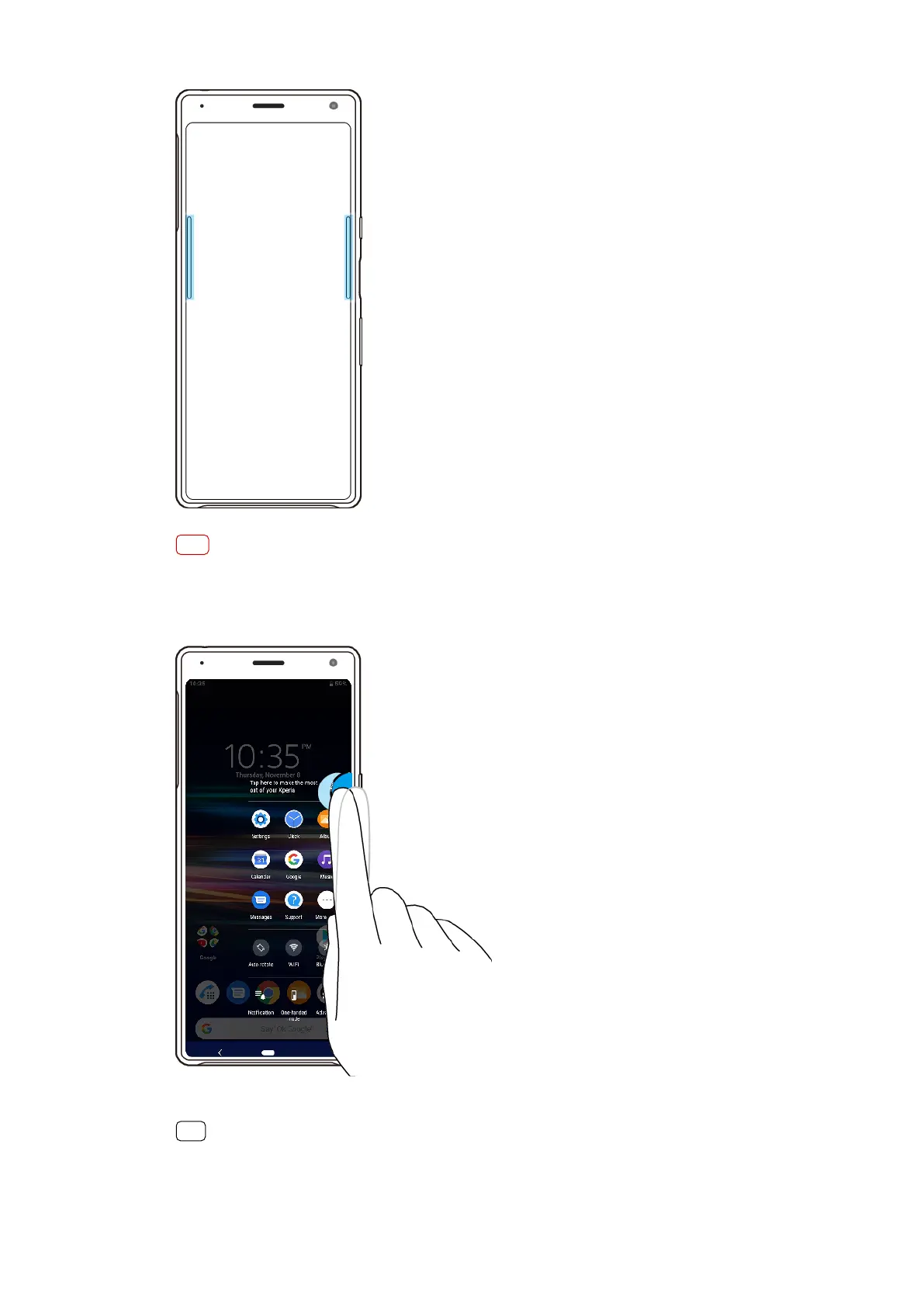
To display the Side sense menu
• T
o activate the Side sense menu, double-tap the Side sense bar.
Hint
To exit the Side sense menu, double-tap the Side sense bar or tap an empty area on the
scr
een.
23
Int
ernet version. For personal use only.















 To Next Page