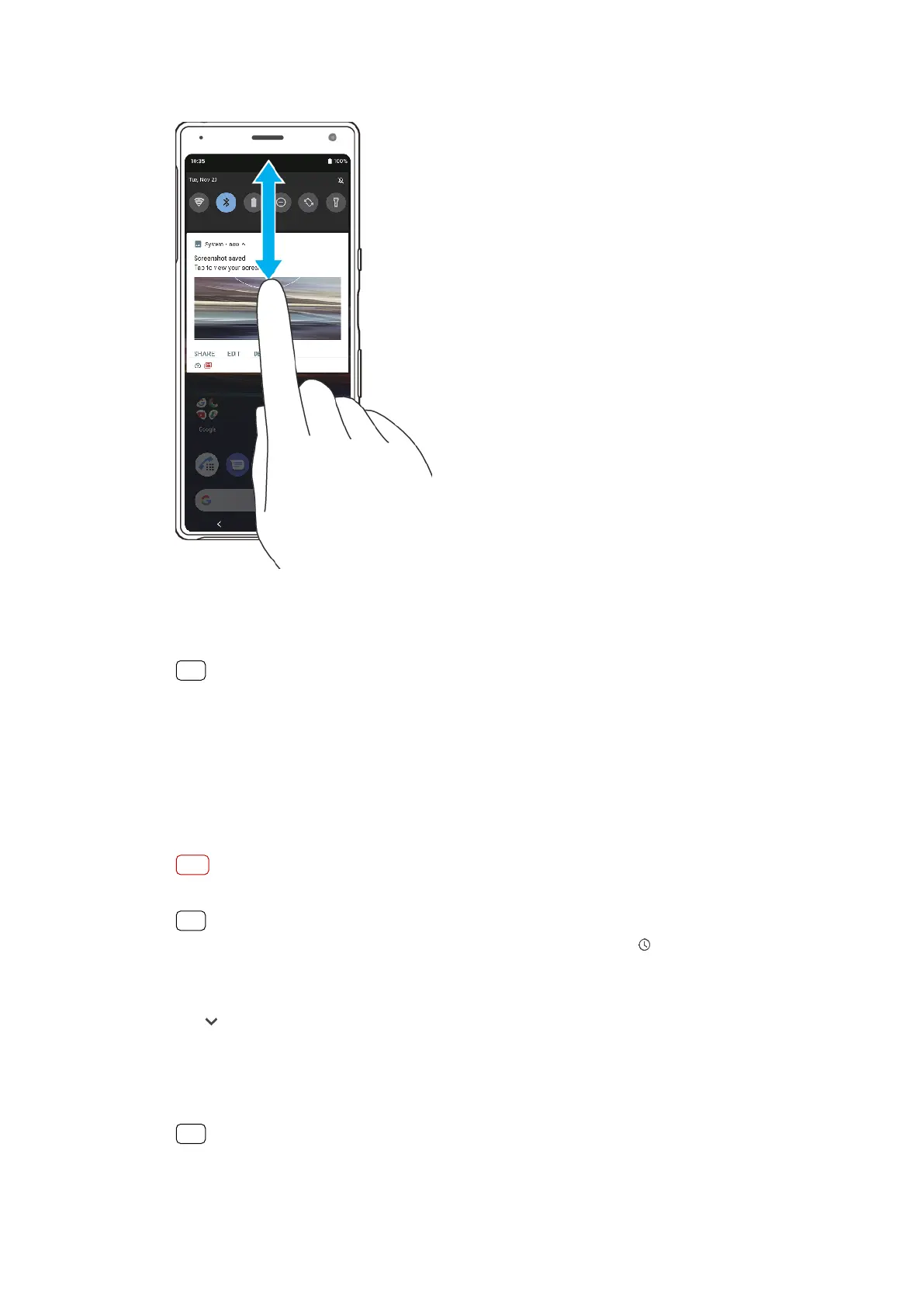
To open or close the No
tication panel
1 T
o open the Notication panel, drag the status bar downwards, or simply double-
tap it.
2 To close the Notication panel, drag or swipe the panel upwards.
Hint
After opening the No
tication panel, you can access the Quick settings panel by dragging
the status bar down again.
To take action on a notication in the Notication panel
• Tap the notication.
To dismiss a notication from the Notication panel
• Swipe the notication left or right.
Note
Not all notications can be dismissed.
Hint
To snooze a no
tication, drag the notication slowly to the side and tap
(Snooze icon).
No
tications can be snoozed for 15, 30 minutes or 1 or 2 hours.
To expand a notication on the Notication panel
• Tap
(More options icon) to expand and view more information about the
no
tication without opening the app.
To clear all notications from the Notication panel
• Tap Clear all.
Hint
If there is a long list of no
tications, scroll down to nd the Clear all button.
33
Int
ernet version. For personal use only.















 To Next Page