Shutter button overview
Take a photo
Record a video/Resume recording
Pause a video
Stop recording a video
Self-timer is activated
Touch capture is activated
Touch capture and Self-timer are activated
To change the aspect ratio
1 W
hile using the camera, tap
(Aspect ratio icon).
2 Sele
ct a setting.
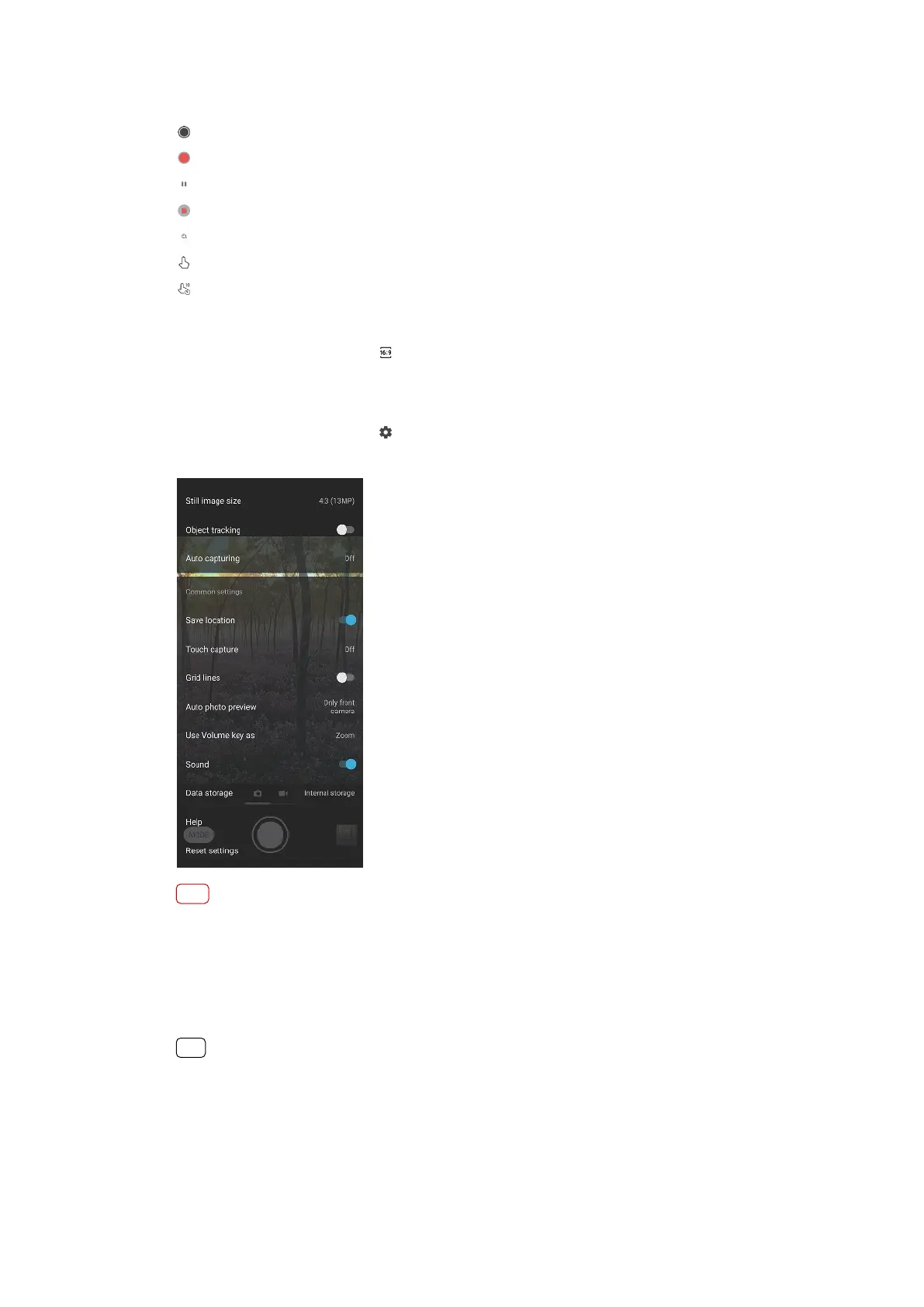
To adjust the camera settings
1 While using the camera, tap
(Settings icon).
2 S
wipe the list to view the available settings and select a setting.
Note
Available settings depend on the capturing mode selected.
T
o view, share or edit photos and videos
1 When using the camera, tap the thumbnail to open a photo or video.
2 Swipe left or right to view your photos and videos.
3 Tap the screen to edit a photo or video.
Hint
Your photos and videos are stored in the Album application. See
Viewing photos and videos
on page 94 for more options.
Capturing modes
You can select capturing modes by tapping Mode.
81
Internet version. For personal use only.















 To Next Page