EasyManua.ls Logo

Sony ICF-SW30 - Sleep Timer Function

Sony ICF-SW30
11 pages
Print Icon
To Previous Page IconTo Previous Page
Loading...
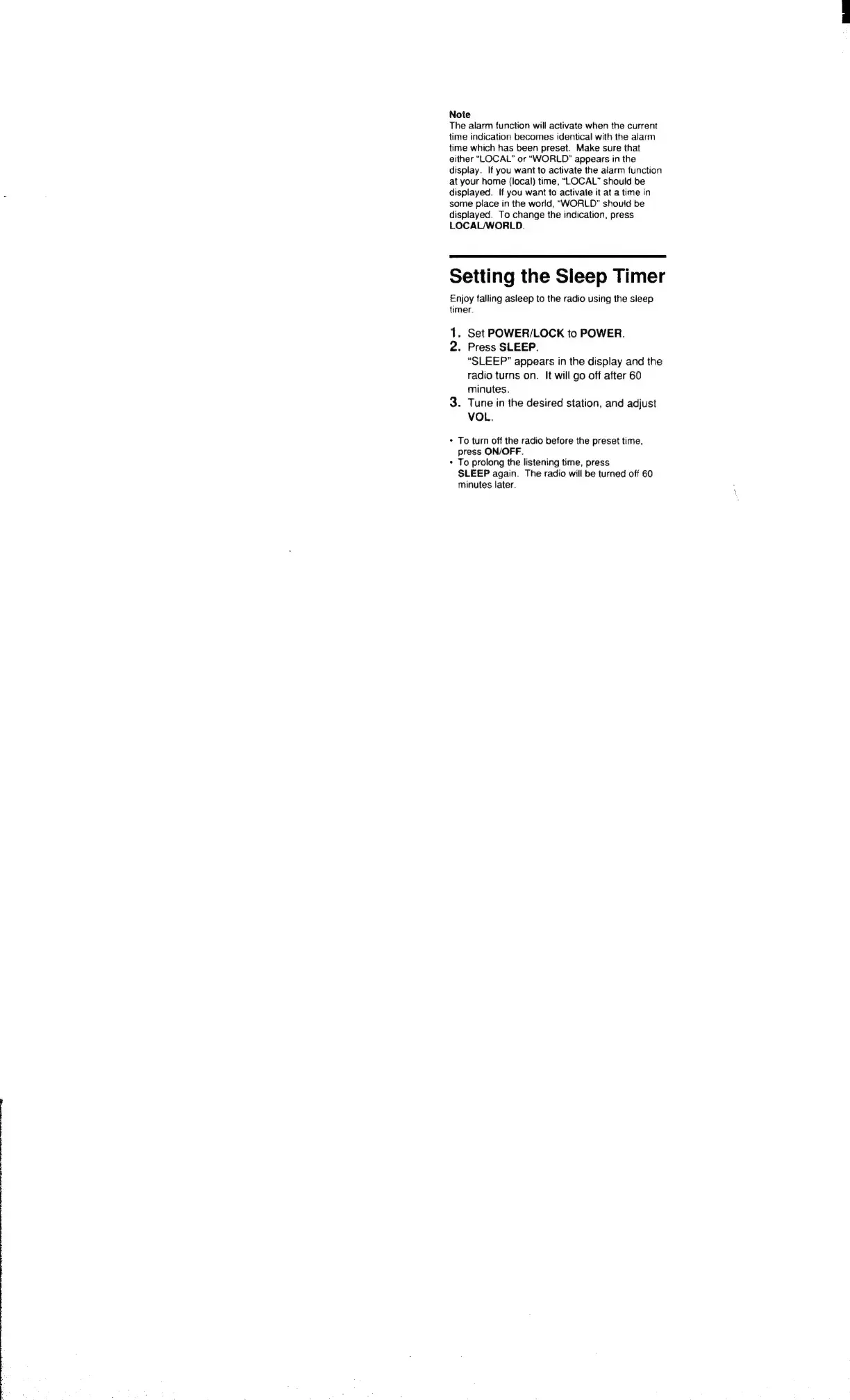
Note
The
alarm
function
will
activate
when
the
current
time
indication
becomes
identical
with
the
alarm
time
which
has
been
preset.
Make
sure
that
either
“LOCAL”
or
“WORLD”
appears
in
the
display.
If
you
want
to
activate
the
alarm
function
at
your
home
(local)
time,
“LOCAL”
should
be
displayed.
If
you
want
to
activate
it
at
a
time
in
some
place
in
the
world,
“WORLD”
shouid
be
displayed.
To
change
the
indication,
press
LOCAL/WORLD.
Setting
the
Sleep
Timer
Enjoy
falling
asleep
to
the
radio
using
the
sleep
timer.
1.
Set
POWER/LOCK
to
POWER.
2.
Press
SLEEP.
“SLEEP”
appears
in
the
display
and
the
radio
turns
on.
It
will
go
off
after
60
minutes.
3.
Tune
in
the
desired
station,
and
adjust
VOL.
*
To
turn
off
the
radio
before
the
preset
time,
press
ON/OFF.
*
To
prolong
the
listening
time,
press
SLEEP
again.
The
radio
will
be
turned
off
60
minutes
later.

Related product manuals