EasyManua.ls Logo

Sony ICF-SW30 - Automated Scan Tuning

Sony ICF-SW30
11 pages
Print Icon
To Next Page IconTo Next Page
To Previous Page IconTo Previous Page
Loading...
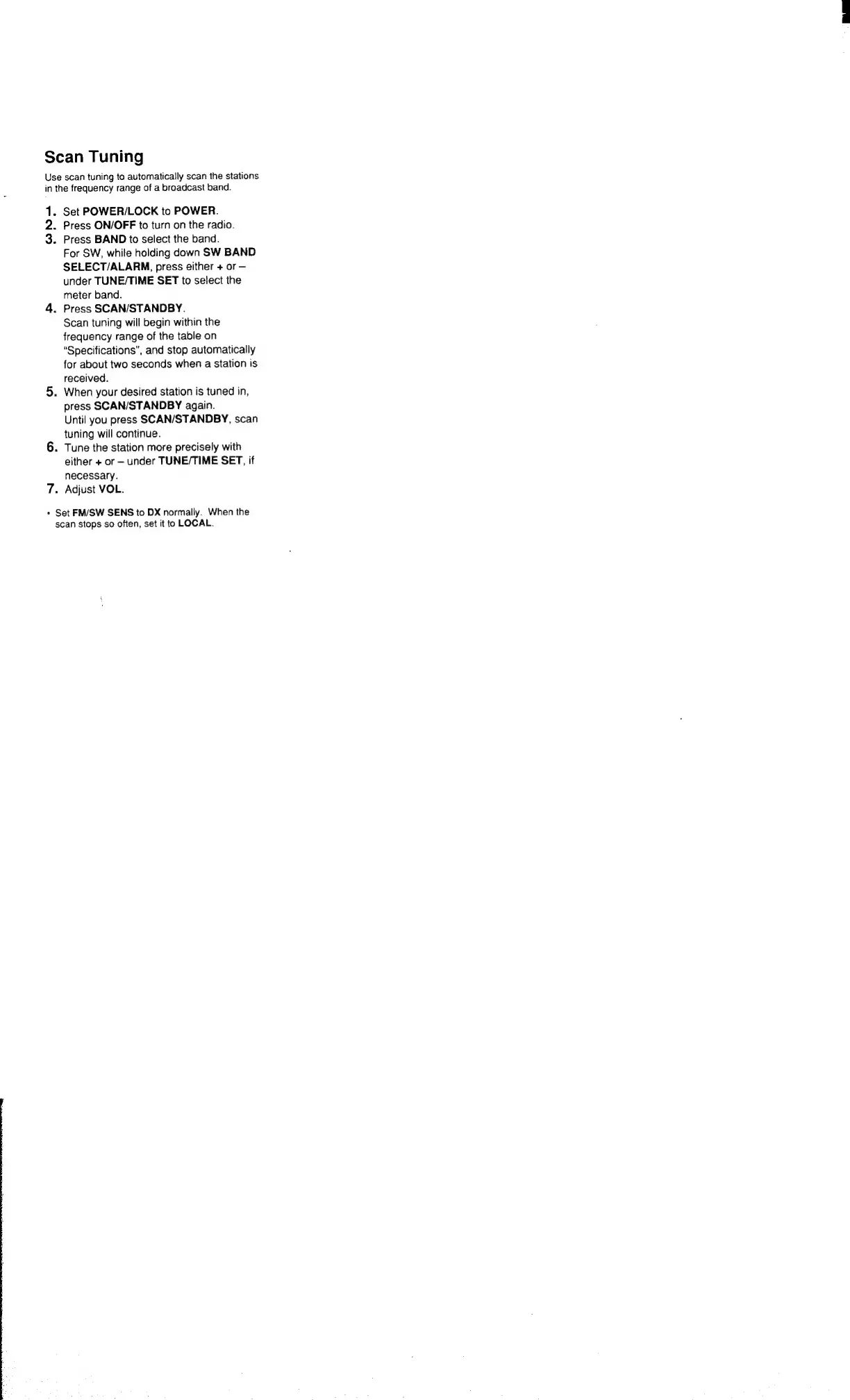
Scan
Tuning
Use
scan
tuning
to
automatically
scan
the
stations
in
the
frequency
range
of
a
broadcast
band.
1.
Set
POWER/LOCK
to
POWER.
2.
Press
ON/OFF
to
turn
on
the
radio.
3.
Press
BAND
to
select
the
band.
For
SW,
while
holding
down
SW
BAND
SELECT/ALARM,
press
either
+
or
under
TUNE/TIME
SET
to
select
the
meter
band.
4.
Press
SCAN/STANDBY.
Scan
tuning
will
begin
within
the
frequency
range
of
the
table
on
“Specifications”,
and
stop
automatically
for
about
two
seconds
when
a
station
is
received.
5.
When
your
desired
station
is
tuned
in,
press
SCAN/STANDBY
again.
Until
you
press
SCAN/STANDBY,
scan
tuning
will
continue.
6.
Tune
the
station
more
precisely
with
either
+
or
under
TUNE/TIME
SET,
if
necessary.
7.
Adjust
VOL.
*
Set
FM/SW
SENS
to
DX
normally.
When
the
scan
stops
so
often,
set
it
to
LOCAL.

Related product manuals