143
Controlling the Remote System With the Tone Signal – DTMF Transmission
Controlling the Remote System With
the Tone Signal – DTMF Transmission
The Video Communication System enables you to control the remote system
connected by transmitting the tone signal (DTMF: Dual Tone Multi
Frequency) assigned to the numbers for dialing (0-9, , ).
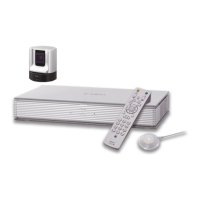
1 Press the button on the Remote Commander during communication.
The DTMF menu appears on the monitor screen.
2 Press one of the number buttons (0-9, , ) on the Remote Commander
corresponding to the tone signal you want to transmit to the remote party.
The tone signal will be transmitted when the button is pressed.
3 To stop transmitting the tone signal, press the PUSH ENTER button on the
Remote Commander.
The DTMF menu disappears.


 To Next Page