190
Displaying the Picture on a Projector or Monitor
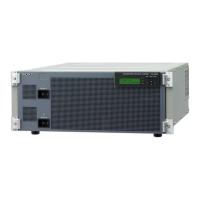
When connecting a monitor to the RGB OUT connector on the
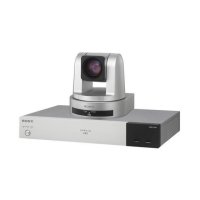
Data Solution Box
1 Connect your monitor to the RGB OUT connector of the Communication
Terminal.
2 Set “Connection” in “Monitor Out” in the Video Setup menu to “RGB
OUT (DSB)”.
3 Reconnect the monitor to the RGB OUT connector of the Data Solution
Box.
Select to connect two monitors with “Monitors” under “Monitor Out” in the
Video Setup menu, and select the main and sub monitors under “Monitor”.
The monitor selected as the main monitor is used for video.
VIDEO 1: Outputs the signal to the monitor connected to the VIDEO OUT
MONITOR 1 connector (monitor A in the illustration of the previous page)
of the Communication Terminal.
VIDEO 2: Outputs the signal to the monitor connected to the VIDEO OUT
MONITOR 2 connector (monitor B in the illustration of the previous page)
of the Communication Terminal.
RGB: Outputs the signal to the monitor (monitor C in the illustration of the
previous page) connected to the RGB OUT connector of the
Communication Terminal.
DSB: Outputs the signal to the monitor (monitor D in the illustration of the
previous page) connected to the RGB OUT connector of the Data Solution
Box.
VIDEO 2 cannot be selected for the main monitor.
The first monitor for displaying motion pictures is fixed to the monitor
connected to the VIDEO OUT MONITOR 1 connector of the Communication
Terminal (monitor A in the illustration of the previous page).
Select the output to the second and third monitors with “Connection” under
“Monitor Out” in the Video Setup menu.
VIDEO 2: Outputs the signal to the monitor connected to the VIDEO OUT
MONITOR 2 connector (monitor B in the illustration of the previous page)
of the Communication Terminal.
RGB: Outputs the signal to the monitor (monitor C in the illustration of the
previous page) connected to the RGB OUT connector of the
Communication Terminal.
DSB: Outputs the signal to the monitor (monitor D in the illustration of the
previous page) connected to the RGB OUT connector of the Data Solution
Box.
Outputting the Signal to Two Monitors
Note
Outputting the Signal to Three Monitors



 To Next Page