Help Guide
print.html[3/31/2021 7:15:59 AM]
To enable the remote control backlight again, perform the procedure above.
[142] Troubleshooting
Power
The TV cannot be turned off using the remote control.
The TV turns off automatically.
The TV turns on automatically.
After turning on the TV, it turns off immediately. (only models equipped with an OLED panel)
The TV does not turn on.
[143] Power | Power
The TV cannot be turned off using the remote
control.
The batteries in the remote control may be depleted. Replace them with new ones or turn off the TV
using the power button on the TV.
You can press and hold the power button on the TV to turn it off.
Note
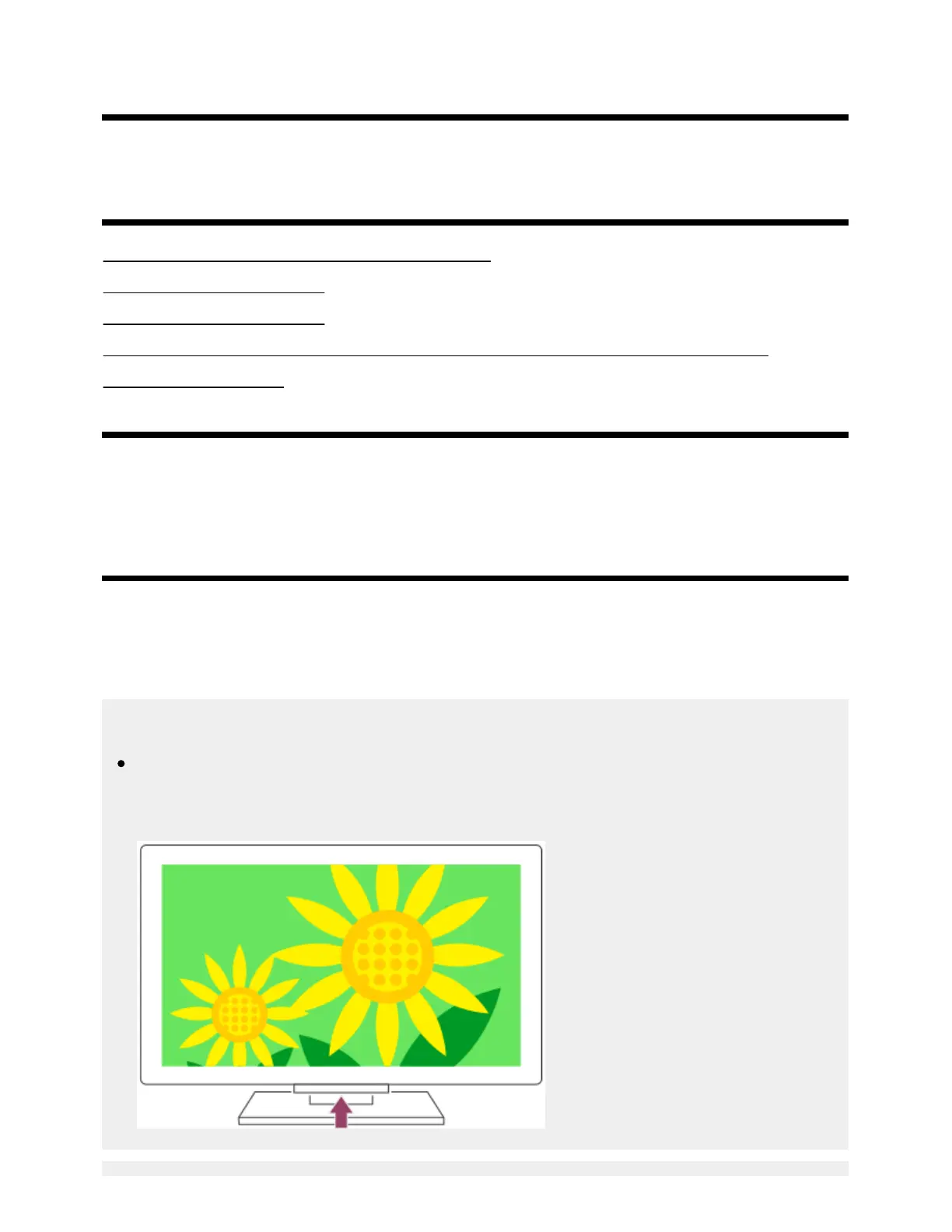
The location of the power button on the TV varies depending on your model/country/region. For
the location of the button, refer to the Reference Guide (booklet) included with the TV.
Example of model with the power button under the LED



 To Next Page