Help Guide | Playing content stored on a USB device
04-01_01.html[3/31/2021 7:19:28 AM]
Help Guide
1
2
3
>
Using the TV with Other Devices
>
USB devices
>
Playing content stored on a USB device
Print
Playing content stored on a USB
device
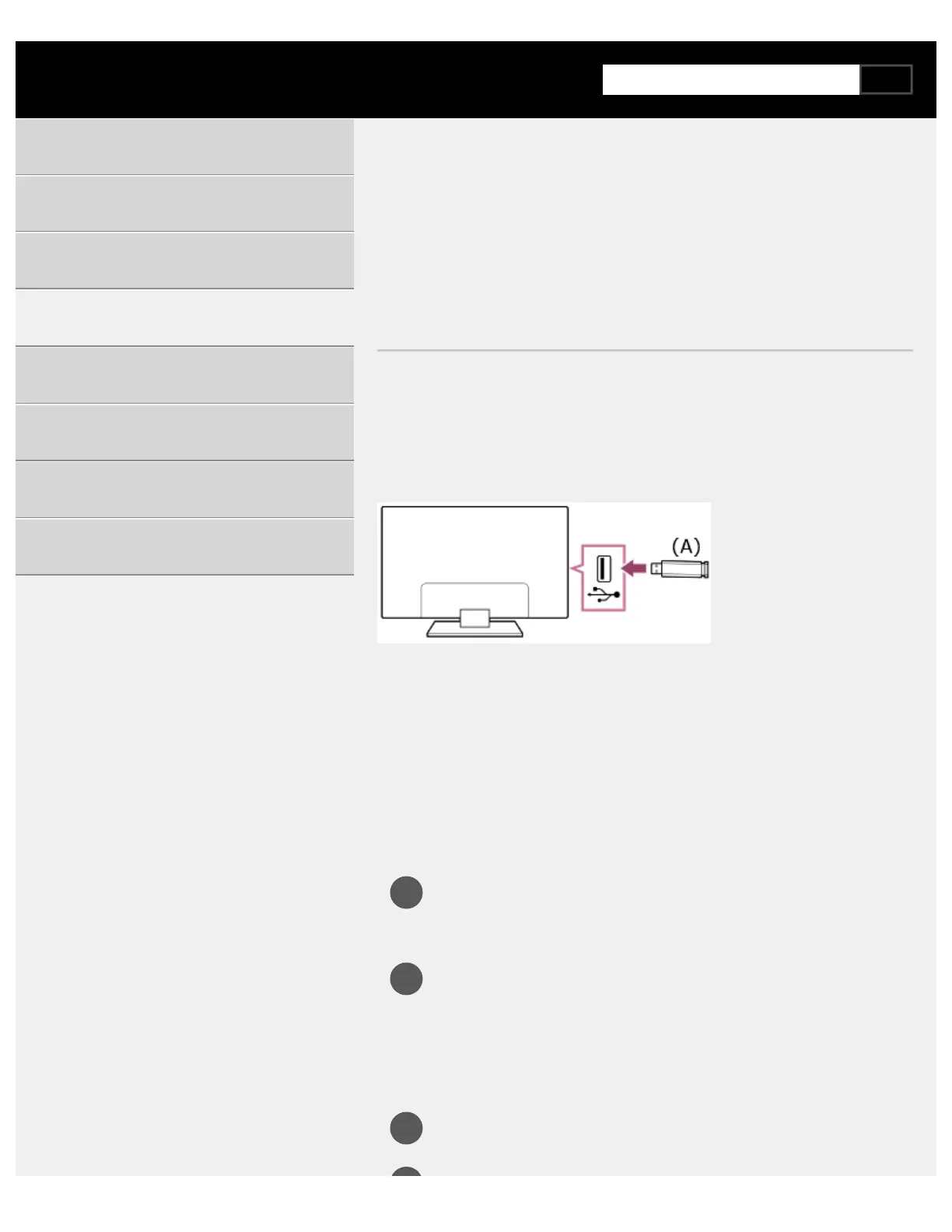
Connecting a USB device
Connect a USB storage device to the USB port of the TV to enjoy photo,
music, and video files stored on the device.
(A) USB storage device
Enjoy photos/music/movies stored on a
USB device
You can enjoy photos/music/movies stored on a USB device on the TV
screen.
If the USB device connected to the TV has a power switch, turn
it on.
Press the HOME button, and select [Media Player] from the
Home menu.
If the supplied remote control has an APPS button, you can press
the APPS button.
Select the USB device name.
Getting Started
Useful features
Watching TV
Using the TV with Other Devices
Connecting to a Network
Settings
Troubleshooting
Index/Other



 To Next Page