Help Guide | Timers & Clock
07_14.html[3/31/2021 7:16:50 AM]
Help Guide
1
2
3
1
>
Settings
>
Timers & Clock
Print
Timers & Clock
In Timers & Clock, you can set the Timer, Sleep timer, Alarm, and Auto
clock display.
Adding Timers & Clock to the input
selection screen
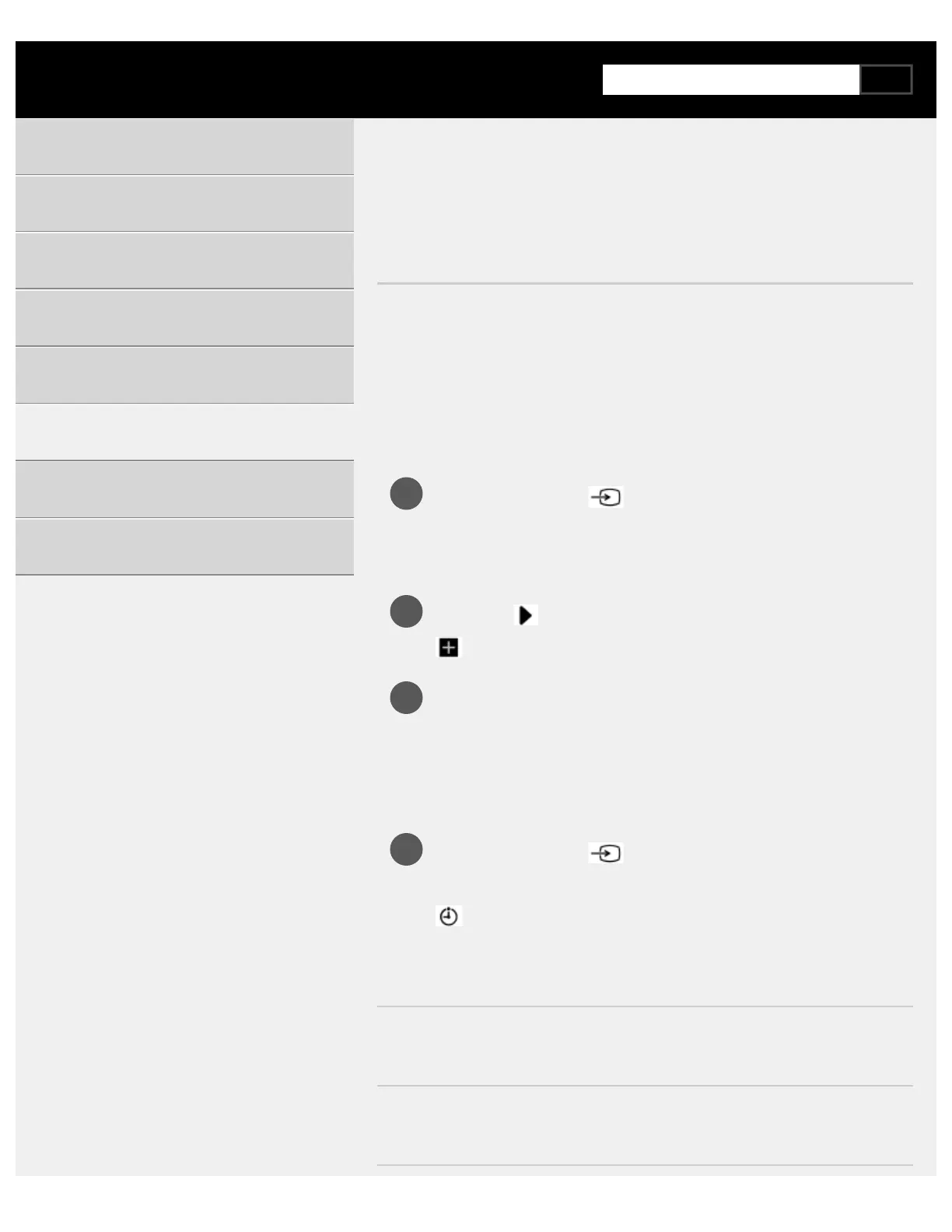
Press the INPUT or (Input select) button.
Available devices and apps are displayed at the bottom of the
screen.
Press the
(Right) button on the remote control and select
(Edit).
Select Timers & Clock and press the Enter button.
Timers & Clock is added.
To configure settings for Timers & Clock
Press the INPUT or (Input select) button on the remote
control and select the following.
(Timers & Clock icon) — the desired setting
Available options
[Timer]
Turns on the TV to the desired channel or input at a preset time.
[Sleep timer]
Turns off the TV after a preset time.
Getting Started
Useful features
Watching TV
Using the TV with Other Devices
Connecting to a Network
Settings
Troubleshooting
Index/Other


 To Next Page