Help Guide | Viewing pictures in 4K resolution
04-09_01.html[3/31/2021 7:20:21 AM]
Help Guide
1
2
3
>
Using the TV with Other Devices
>
Viewing pictures in 4K from compatible devices
>
Viewing pictures in 4K resolution
Print
Viewing pictures in 4K resolution
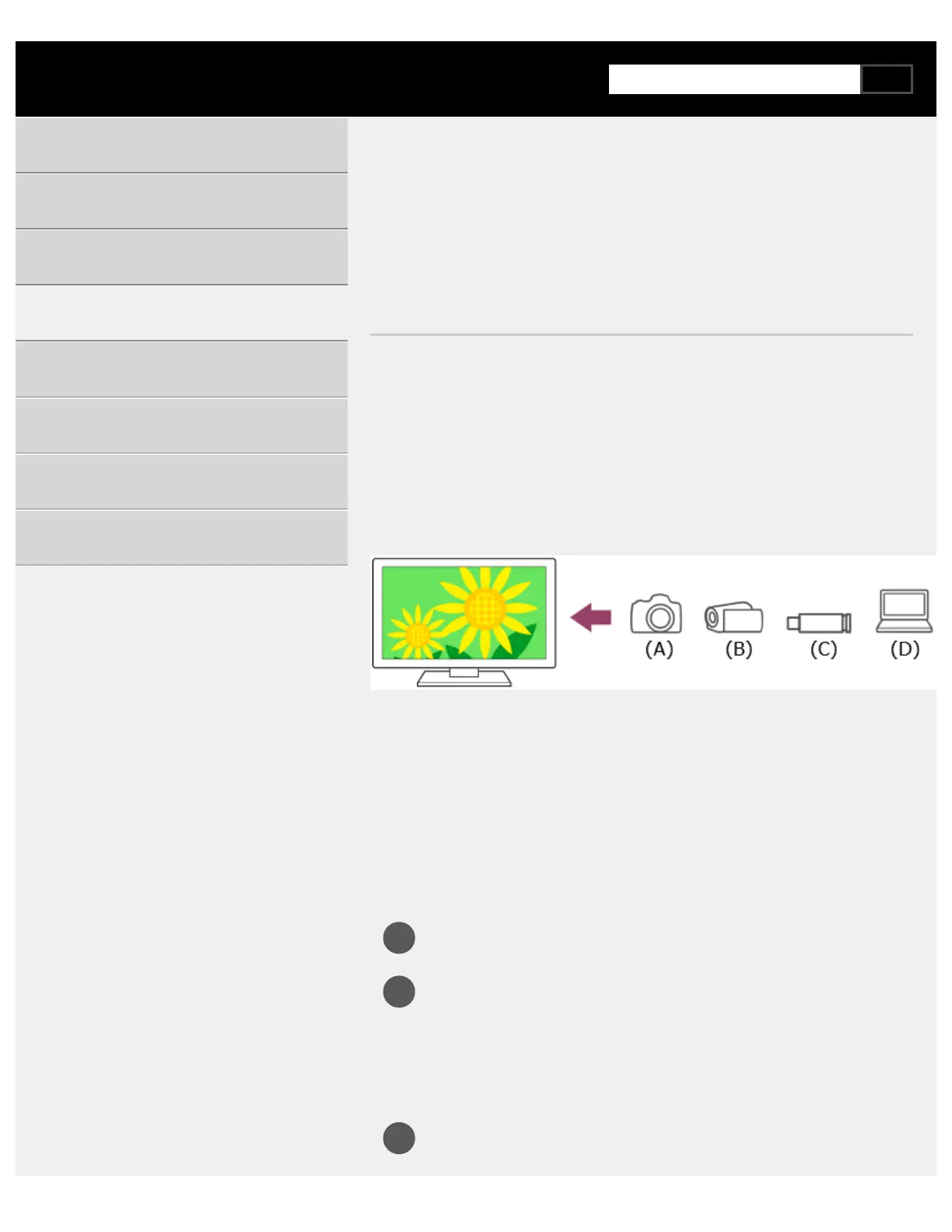
You can connect a digital still camera/camcorder that supports HDMI 4K
output to HDMI IN of the TV to display high resolution photos stored on the
camera. You can also display high resolution photos stored in connected
USB devices or your home network. A picture with a 4K or higher resolution
can be displayed in 4K resolution (3840×2160).
The availability of this function depends on your region/country.
(A) Digital still camera
(B) Camcorder
(C) USB device
(D) Network device
To view pictures stored on a USB device or network device in
4K resolution
Connect the USB device or network device to the TV.
Press the HOME button, and select [Media Player] from the Home
menu.
If the supplied remote control has an APPS button, you can press
the APPS button.
Select the USB device name or network device name.
Getting Started
Useful features
Watching TV
Using the TV with Other Devices
Connecting to a Network
Settings
Troubleshooting
Index/Other



 To Next Page