Help Guide | There are banners/tickers at the top or bottom of the screen.
08-02_11.html[3/31/2021 7:20:52 AM]
Help Guide
>
Troubleshooting
>
Picture (quality)/screen
>
There are banners/tickers at the top or bottom of the screen.
Print
There are banners/tickers at the top
or bottom of the screen.
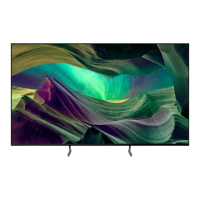
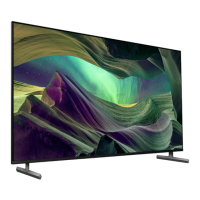
In this case, the TV might be in demo mode. Try exiting demo mode.
Press the (Quick Settings) button on the remote control and select
[Settings] — [System] — [Retail mode settings]. Disable [Demo mode]
and [Picture reset mode].
>
Troubleshooting
>
Picture (quality)/screen
>
There are banners/tickers at the top or bottom of the screen.
Getting Started
Useful features
Watching TV
Using the TV with Other Devices
Connecting to a Network
Settings
Troubleshooting
Index/Other
Go to page top
F-232-100-12(2)
Copyright 2021 Sony Corporation


 To Next Page