Help Guide | Using the remote control microphone
01-08_01.html[3/31/2021 7:18:41 AM]
Help Guide
1
2
>
Useful features
>
Searching for content/operating the TV with your voice
>
Using the remote control microphone
Print
Using the remote control
microphone
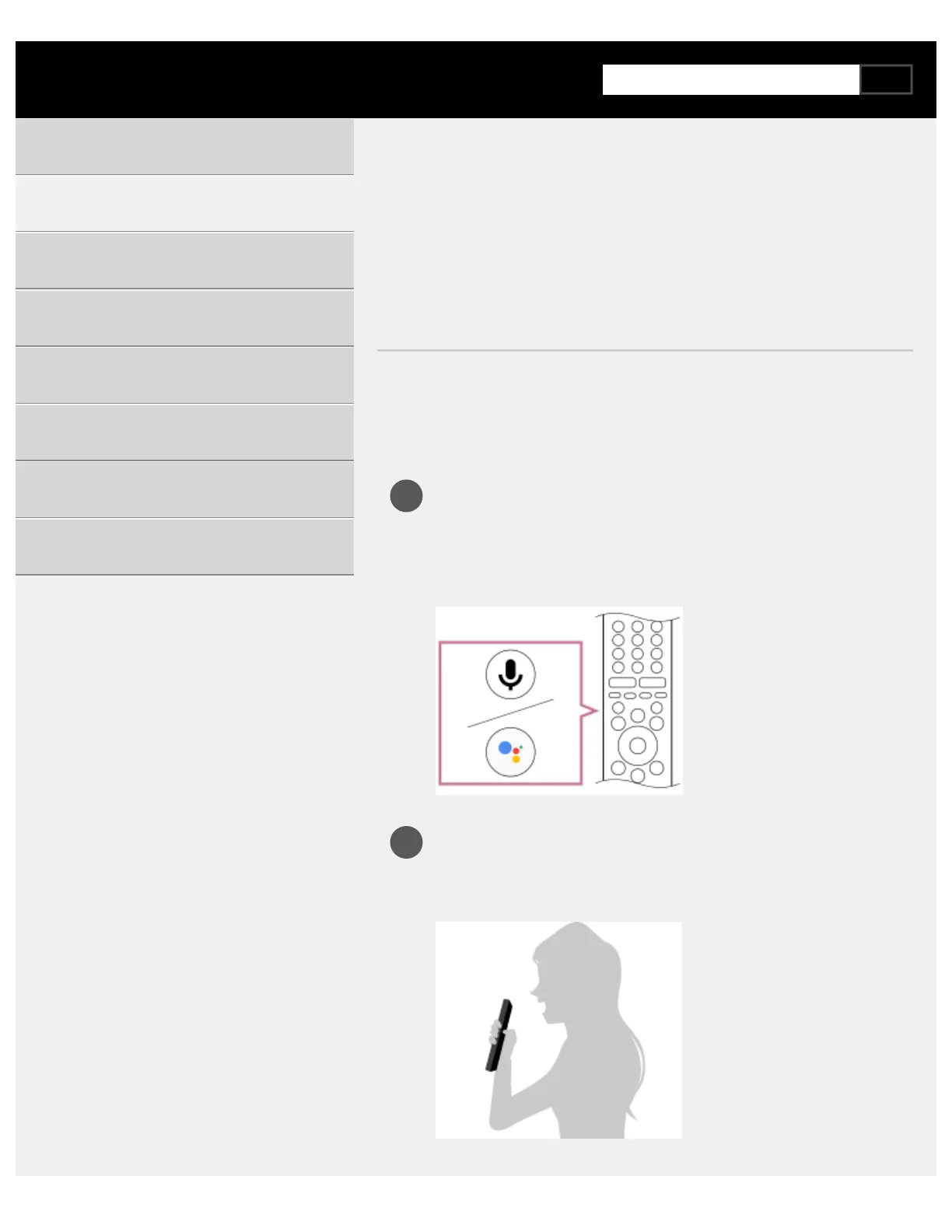
Remote controls that support voice search have a MIC button or Google
Assistant button, and a built-in microphone. By speaking into the
microphone, you can search for various content.
Press and hold the Google Assistant/MIC button on your
remote control.
The microphone on the remote control will be activated while the
button is pressed, and the LED on the remote control will light up.
Speak into the microphone while pressing the Google
Assistant/MIC button.
Speech examples may be displayed depending on your model.
Search results are displayed when you speak into the
Getting Started
Useful features
Watching TV
Using the TV with Other Devices
Connecting to a Network
Settings
Troubleshooting
Index/Other



 To Next Page