Help Guide | Connecting terminal
01_10.html[3/31/2021 7:16:56 AM]
For a composite connection, use an Analog
Extension Cable (not supplied).
For more about the shape of the Analog Extension
Cable, refer to Connecting a Blu-ray or DVD player .
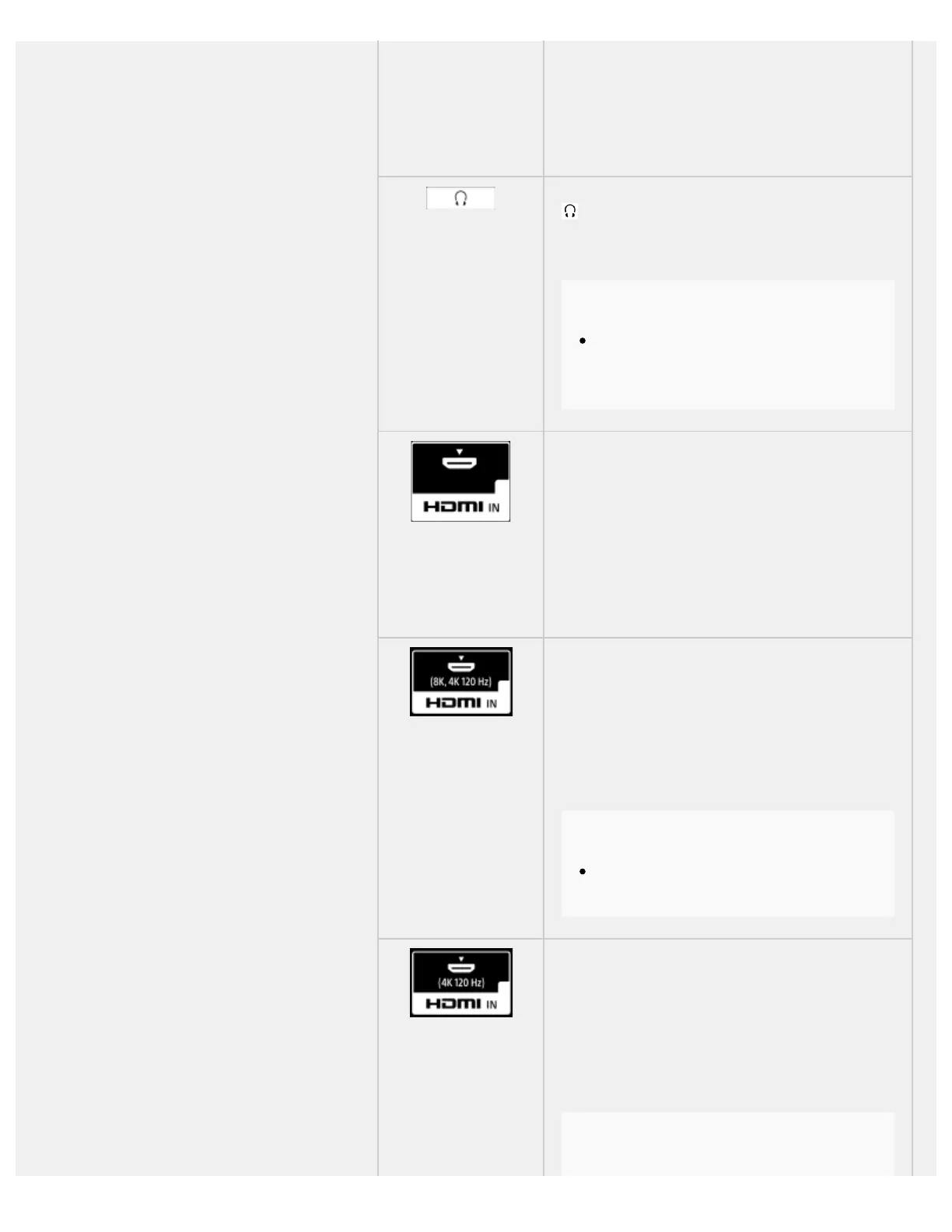
(Headphone)
Connects to the headphone jack to listen to sound
from the TV. Supports 3-pole stereo mini jack only.
Note
You cannot output sound from both the
headphone and the TV speakers at the same
time.
HDMI IN
Connects to the HDMI device. The HDMI interface
can transfer the digital video and audio on a single
cable. To enjoy high quality 4K contents, connect a
Premium High Speed HDMI Cable(s) and follow the
instructions displayed on the screen to set the [HDMI
signal format] of the HDMI IN port.
HDMI IN (8K, 4K 120 Hz)
If you use an HDMI device that supports video output
in 8K or 4K 100/120 Hz, connect the Ultra High
Speed HDMI Cable, and follow the instructions
displayed on the screen to set the [HDMI signal
format] of the HDMI IN port.
Note
4K 100 Hz support depends on your
country/region.
HDMI IN (4K 120 Hz)
If you use an HDMI device that supports video output
in 4K 100/120 Hz, connect the Ultra High Speed
HDMI Cable, and follow the instructions displayed
on the screen to set the [HDMI signal format] of the
HDMI IN port.
Note
™
™
™



 To Next Page