Help Guide
print.html[3/31/2021 7:15:59 AM]
1
2
(Cable/satellite box control compatible models only) If you perform the [Cable/Satellite box
control setup] setting in [Cable/Satellite box setup] under [External inputs], you can display the
program guide of the cable/satellite box.
Related topics
How to control the cable/satellite box using the TV remote control
An external device (such as a cable/satellite box) cannot be controlled using the TV's remote
control. (Cable/satellite box control compatible models only)
[22] Watching TV programs | Watching TV programs
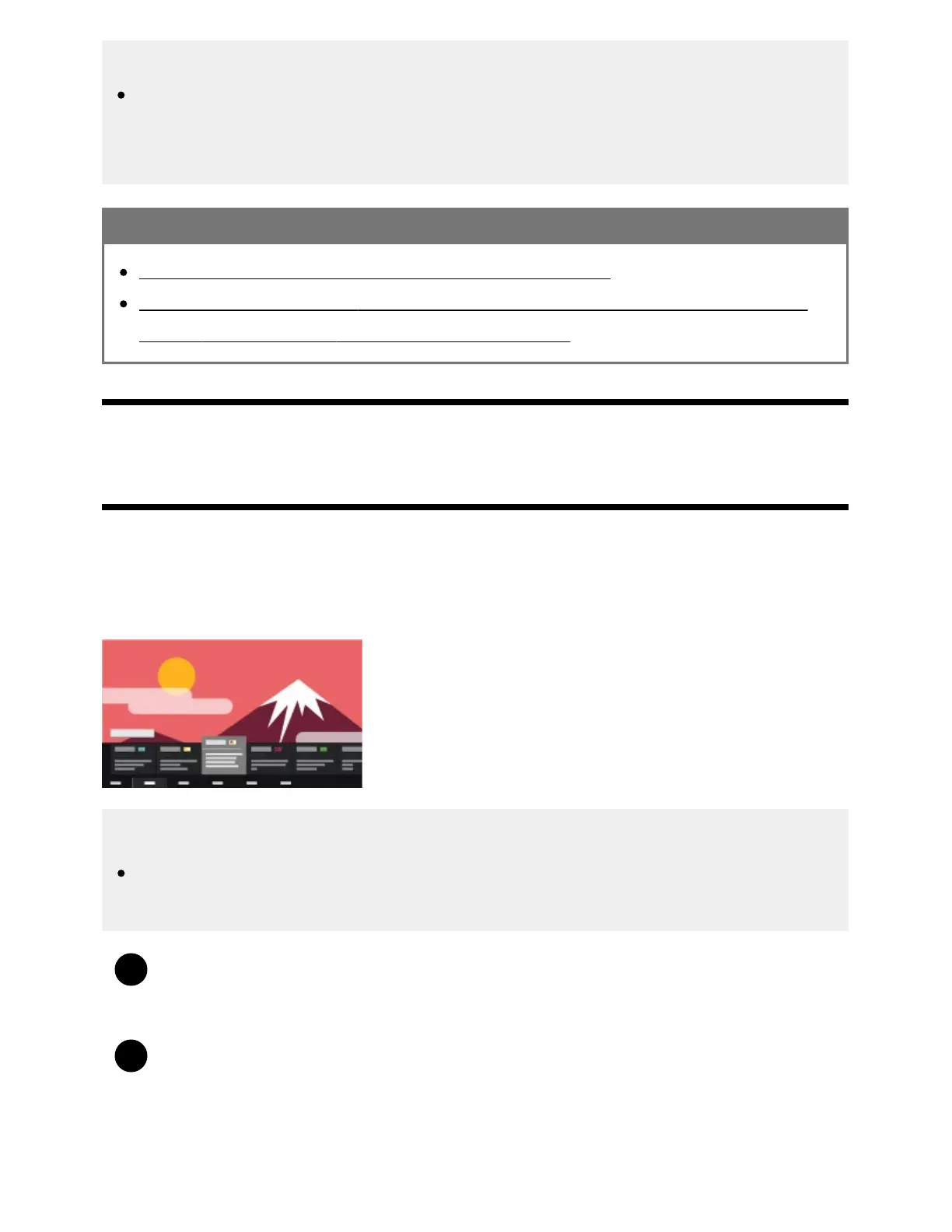
Using the TV menu
Press the TV button while watching a TV broadcast to display the [TV menu]. A channel list is
displayed in [TV menu] and you can easily select programs on other channels while watching TV.
You can add favorite channels when using the built-in tuner.
Note
The displayed screen and menus may vary depending on what you are watching and your
model/country/region.
Press the TV button while watching a TV broadcast.
The TV menu is displayed at the bottom of the screen.
Move the focus left or right and select the program you want to watch.
If you move the focus down and select [TV control] or [Remote control], options available while
you are watching will be displayed. You can also select options such as [Digital] or [Cable] to
change the displayed Channel list. (The displayed options vary depending on what you are



 To Next Page