Help Guide
print.html[3/31/2021 7:15:59 AM]
You can configure various settings related to the TV display such as color and brightness for picture
quality, or screen size.
Note
The actual display may vary or some settings may not be available depending on your
model/country/region and the content you are watching.
Press the (Quick Settings) button on the remote control, then select [Settings] — [Display & Sound]
— the desired option.
You can change the following settings.
Picture
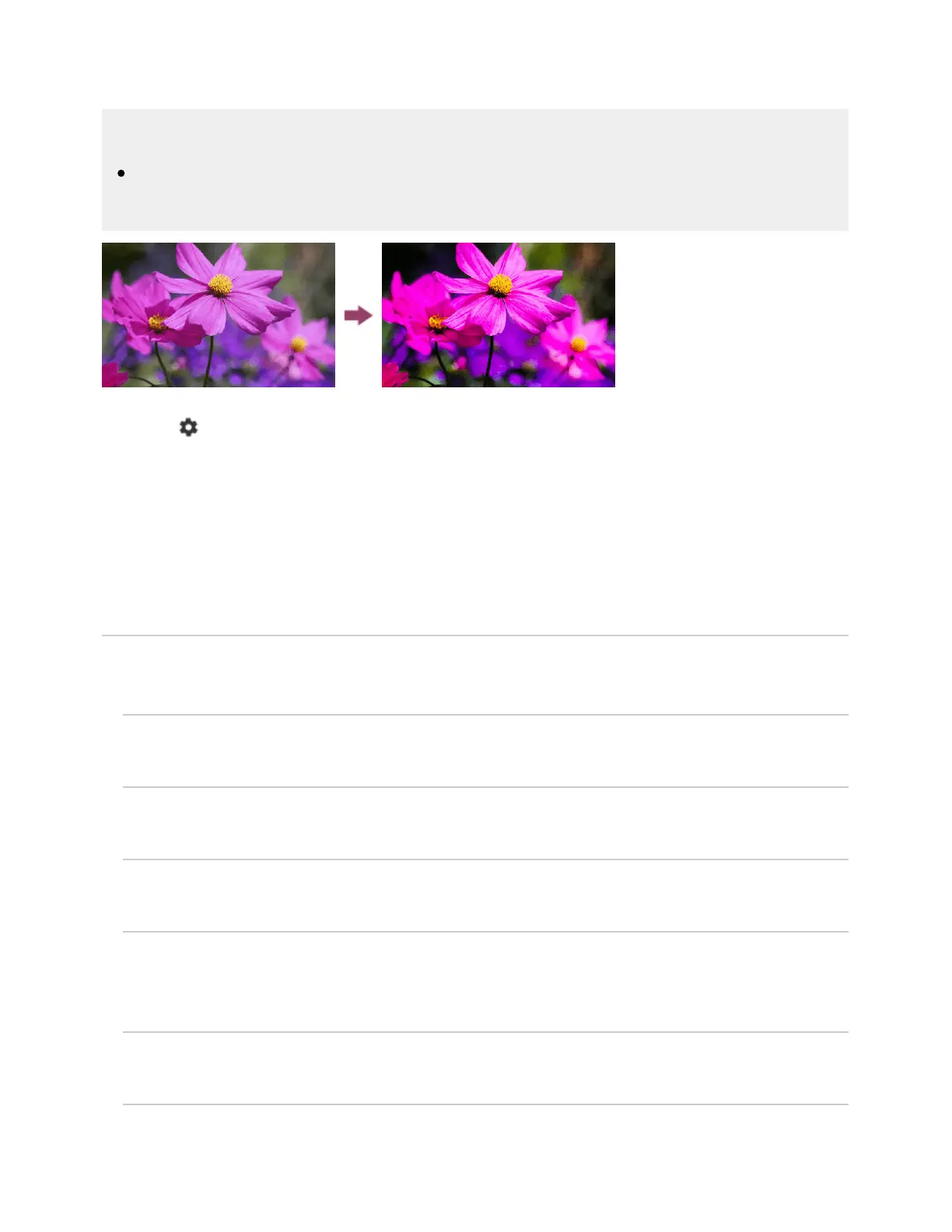
Adjust the picture settings such as Brightness, Color, and Hue.
Basic
You can set the following.
Picture mode
Change the picture quality according to the content you are watching such as movies or sports.
Reset picture settings for ***
Reset the picture settings for the current picture mode to the factory default.
Auto picture mode
Automatically selects the picture mode based on the content being viewed.
*** calibrated mode
Adjusts the picture to a quality close to that intended by the content creator when watching
supported video streaming content and supported apps.
Light sensor
Optimizes brightness according to ambient light.
Ambient light sensor
Automatically adjusts the brightness and color of the picture based on the surrounding ambient



 To Next Page