Help Guide
print.html[3/31/2021 7:15:59 AM]
1
2
1
2
3
4
[Speakers] depending on the connected devices. You can also display [Settings] from [Quick Settings].
Hint
If the Home screen is displayed when the TV is turned on, you can use [Power on behavior] to
change it to the TV broadcast channel or external input such as HDMI that you were watching
before turning off the TV.
Note
The menus displayed in the TV settings vary depending on your model/region/country.
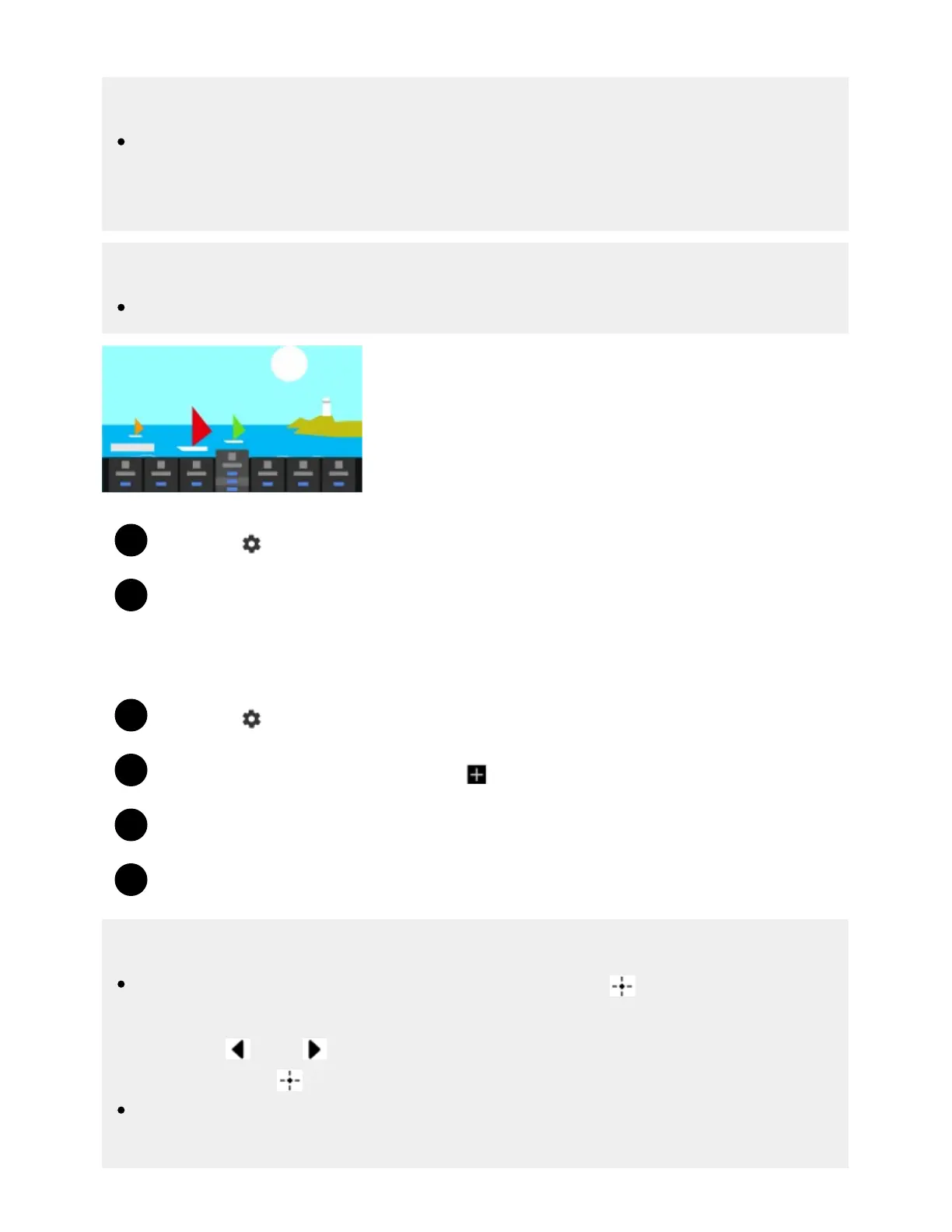
Press the (Quick Settings) button on the remote control.
Move the focus to change a setting or select it.
To change the settings that are displayed
Press the (Quick Settings) button on the remote control.
Move the focus left or right, and select
(Edit).
Select the desired setting.
Select [Close].
Hint
To change the order or hide a displayed item, press and hold the (Enter) button on the
remote control with that item highlighted, and [Move] and [Hide] will be displayed. If you select
[Move], use
(Left) / (Right) on the remote control to move the item to the desired position,
and then press the
(Enter) button on the remote control.
With [BRAVIA notifications] in Quick Settings, you can check if there are notifications such as
software updates and low battery levels in the remote control.



 To Next Page