27
Menu Adjustment
Sony KV-DA29M90 Group E6 (GB, CT, CS)_2-515-454-11 (1)
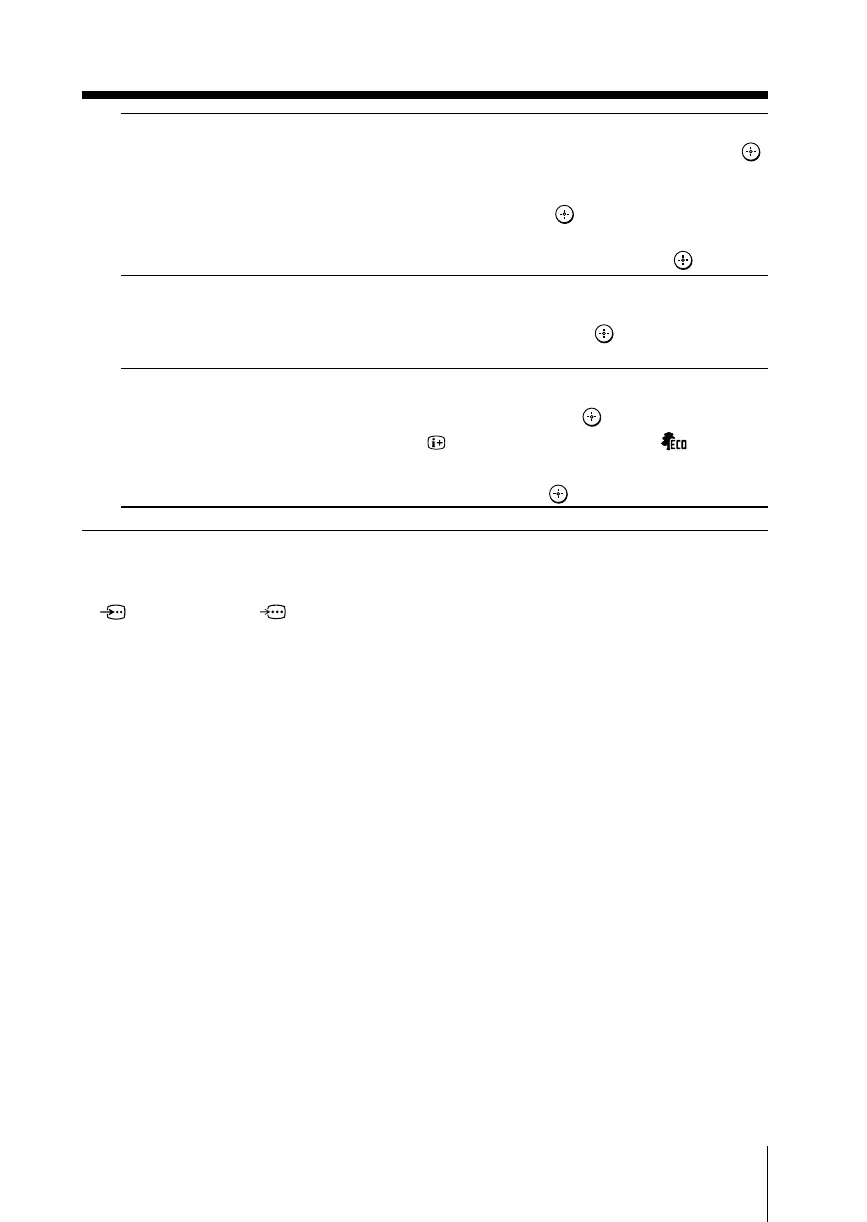
“Video Label” label the connected equipment.
(1)
Press V or v to select the input you want to label, then press .
(2) Press V or v to select the label options: “Video 1/Video 2/
Video 3/Video 4/HD/DVD 1/HD/DVD 2”, “VCR”, “SAT”,
“Game” or “Edit”*, then press
.
*You may edit the video label. Press V or v to select
alphanumeric characters for the label, then press
.
“Color System” select the color system.
Press V or v to select either “Auto”, “PAL”, “SECAM”,
“NTSC3.58” or “NTSC4.43”, then press
. Normally, set this to
“Auto”.
“Eco Mode” reduce power consumption of your TV to save energy.
Press V or v to select “On”, then press .
When you press
or turn on the TV, Eco Mode ( ) symbol
will appear on the screen for a while.
To cancel, select “Off”, then press .
Notes
• “Game Mode” is available only when receiving signals through t (video input),
(S video input) or (component video input) terminals.
• When HD (high-definition) or progressive signals are input, “Game Mode” does not function.







 To Next Page