Help Guide
Wireless Stereo Headset
LinkBuds Open
Using Google Assistant
By using Google Assistant feature that comes with the smartphone, you can speak to the headset’s microphones to
operate the smartphone or perform a search.
Compatible smartphones
Smartphones installed with Android™ 6.0 or later
For details on Google Assistant, refer to the following website:
https://assistant.google.com
https://g.co/headphones/help
Open the “Sony | Sound Connect” app and set the function of either the left or right headset unit as Google
Assistant.
When using Google Assistant for the first time, launch the Google Assistant app and touch [Finish headphones
setup] on the Conversation View, and follow the on-screen instructions to complete initial setup for Google
Assistant.
Once the initial setup is complete, the left headset unit (or the right headset unit if only the right headset unit was
worn for the initial setup) is automatically configured for Google Assistant.
1
Say “Hey Google” or operate the headset unit to which you assigned Google Assistant to use Google
Assistant.
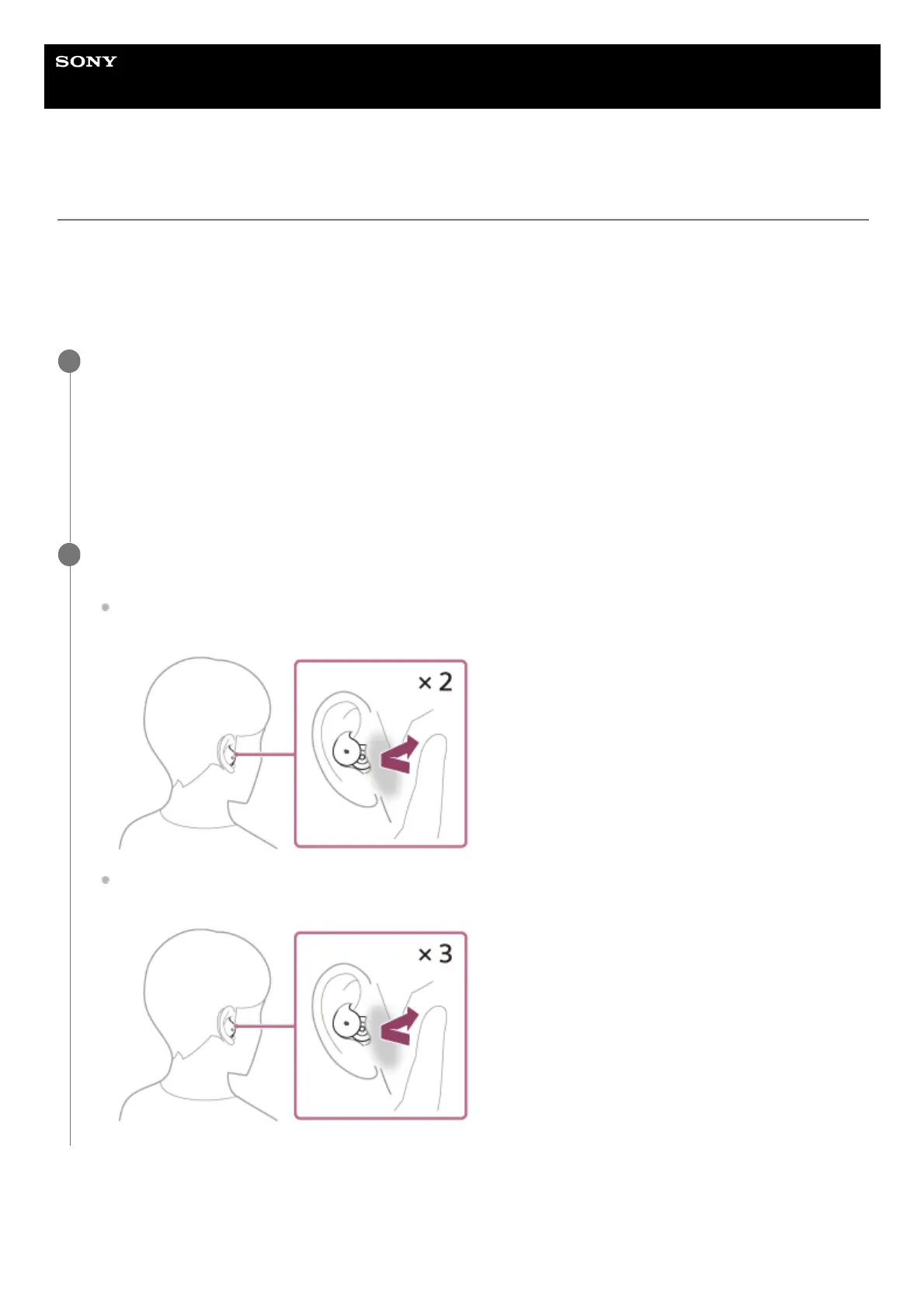
Tap the headset or in the area near your ear twice quickly (with an interval of about 0.2 seconds): Inputs a voice
command
Tap the headset or in the area near your ear 3 times quickly (with an interval of about 0.2 seconds): Reads out
the notification
2



 To Next Page