Establishing a BLUETOOTH® connection
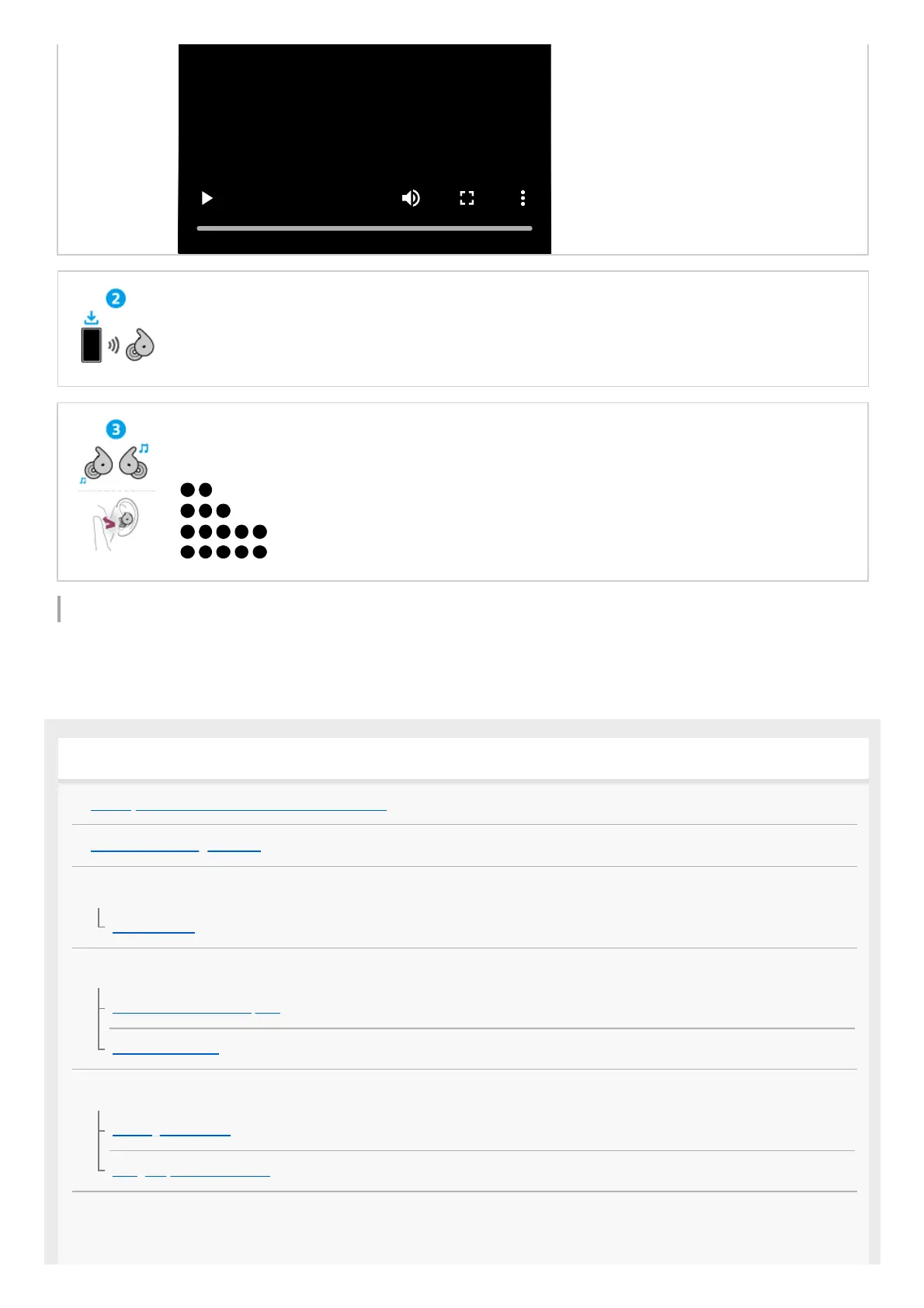
The headset is turned on when the headset units are removed from the charging case.
Follow the downloaded “Sony | Sound Connect” app instructions.
Operating the headset
Tap the headset unit or in the area near your ear where the headset is worn (wide area tap).
(Tap twice) (left/right): To play or pause music
(Tap 3 times) (left/right): To skip to the beginning of the next track
...(Tap 5 or more times) (left): To lower the volume
...(Tap 5 or more times) (right): To increase the volume
Getting started
What you can do with the Bluetooth function
About the voice guidance
Supplied accessories
Included items
Parts and controls
Location and function of parts
About the indicator
Wearing the headset
Wearing the headset
Using only one headset unit
Operating the headset



 To Next Page