Help Guide
Wireless Stereo Headset
LinkBuds Open
Pairing and connecting with a computer (Windows® 11)
The operation to register the device that you wish to connect to is called “pairing”. First, pair a device to use it with the
headset for the first time.
Before starting the operation, make sure of the following:
Your computer has a Bluetooth function that supports music playback connections (A2DP).
The computer is placed within 1 m (3.2 ft) of the headset.
The headset is charged sufficiently.
The operating instructions for the computer is in hand.
Depending on the computer you are using, the built-in Bluetooth adaptor may need to be turned on. If you do not
know how to turn on the Bluetooth adaptor or are unsure if your computer has a built-in Bluetooth adaptor, refer to the
operating instructions supplied with the computer.
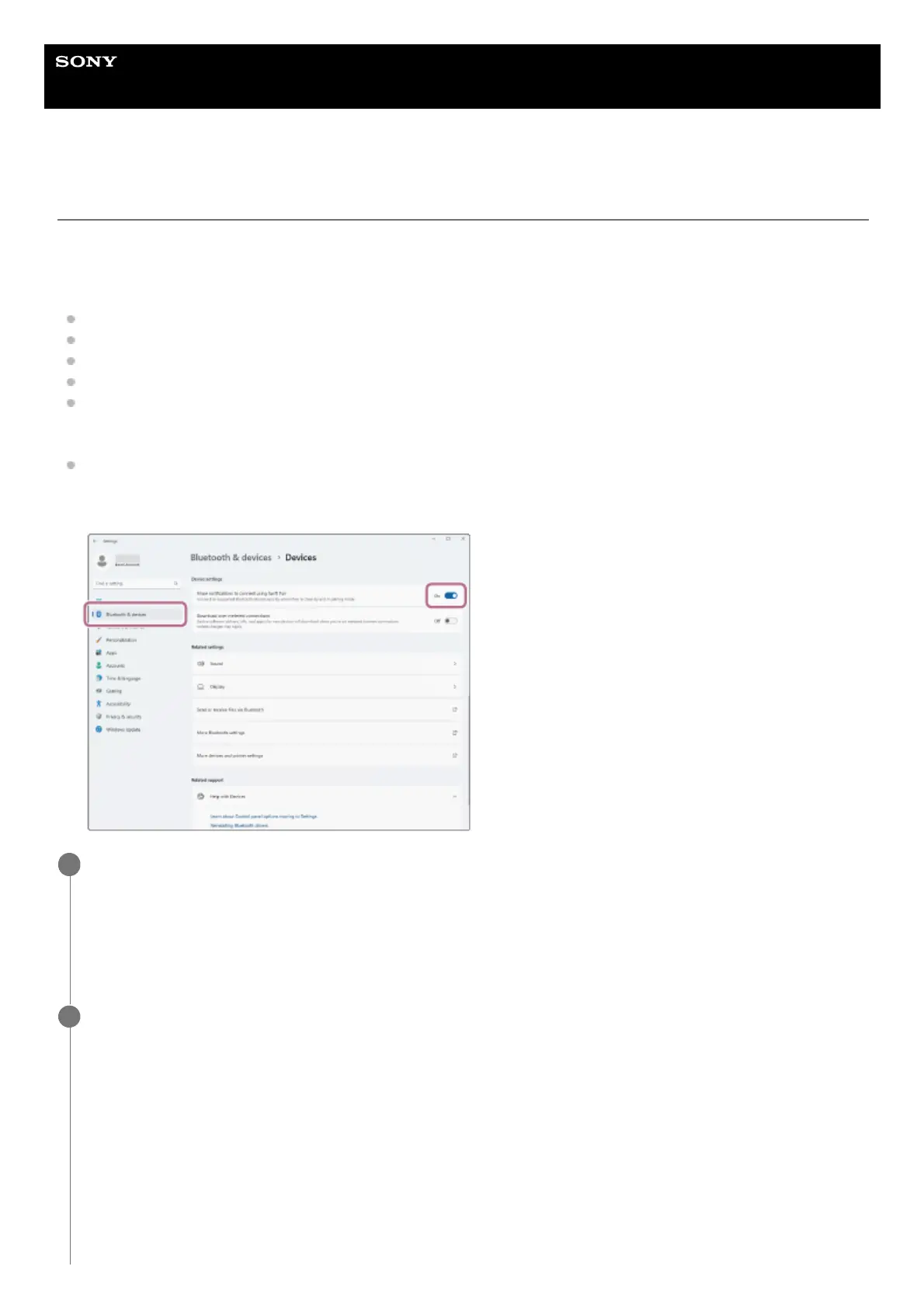
The Swift Pair function can be used to make pairing easier. To use the Swift Pair function, click the [Start] button -
[Settings] - [Bluetooth & devices] - [Devices] - [Show notifications to connect using Swift Pair] switch to turn on the
Swift Pair function.
Check the status of the headset.
When you pair the headset with a device for the first time after purchase or after initializing the headset (when there
is no pairing information on the headset) Proceed to step 2.
When you pair a second or subsequent device (the headset has pairing information for other devices) Proceed to
step 3.
1
(If you selected “when there is no pairing information on the headset” in step 1)
Remove both headset units from the charging case.
2



 To Next Page