Chapter 7 Tele-File
7-2 Chapter 7 Tele-File
7-2 Opening the Tele-File Menu
Opening from the function menu
Display page 5 of the function menu in the menu
display section, and then press the F1 (TELE-F)
button.
The Tele-File menu opens.
For details about the function menu, see Chapter 11
“Function Menu” (page 11-1).
Opening automatically
When setup menu item 134 is set to ON, and when the
current function menu page is HOME, HOME2, or
page 1 to page 5, the Tele-File menu opens
automatically whenever a Tele-File label is detected on
a cassette loaded into the VTR.
For details about setup menu item 134, see Section 12-4
“Items in the Extended Setup Menu” (page 12-11).
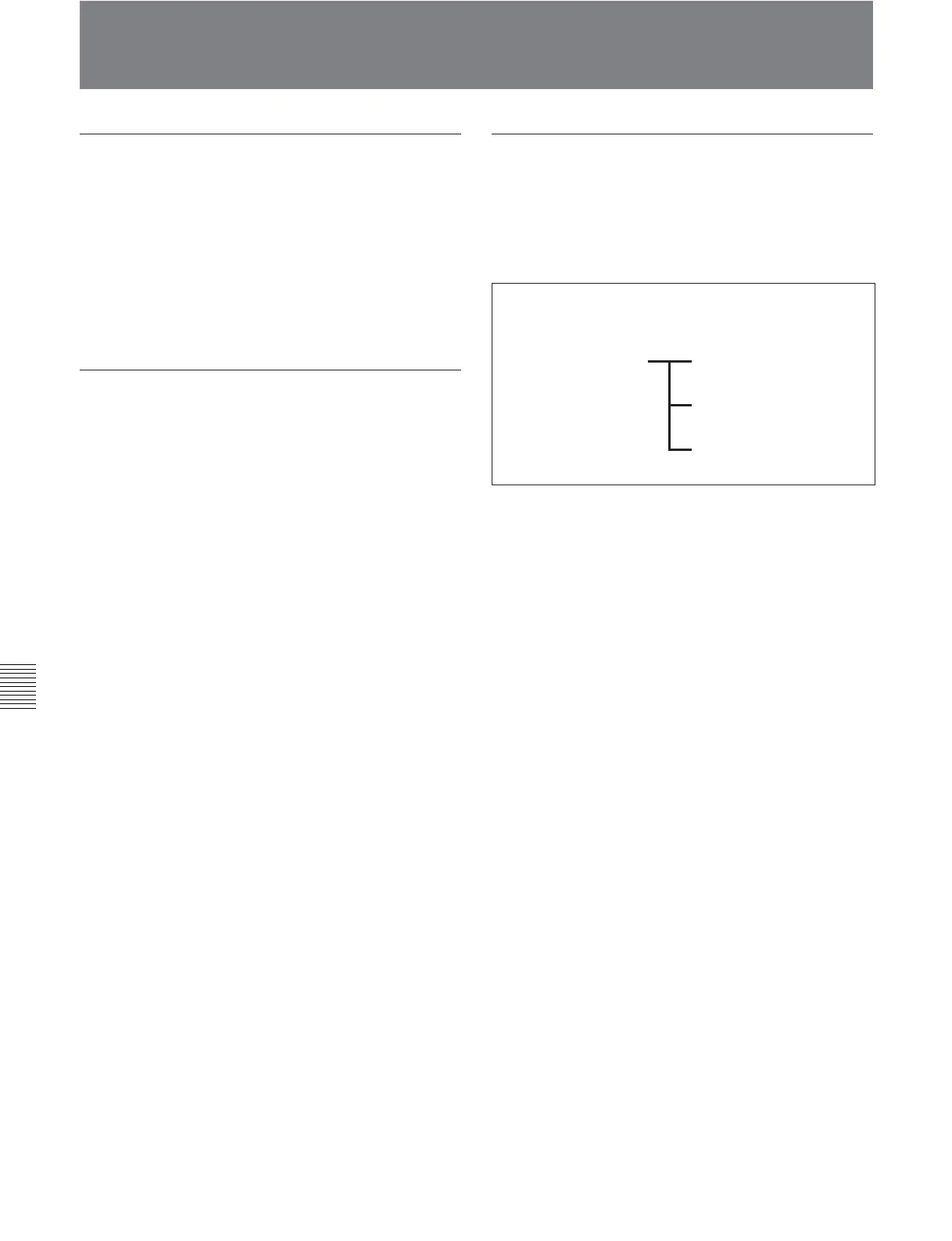
Configuration of the Tele-File menu
The Tele-File menu has a tree structure, as illustrated
below.
When the menu first opens, the menu operation mode
is clip data display mode.
Clip data display mode
Attribute data display/
modify mode
Clip data modify mode
Undo check mode
[Tele-File menu]








 To Next Page