18
To select the playback mode
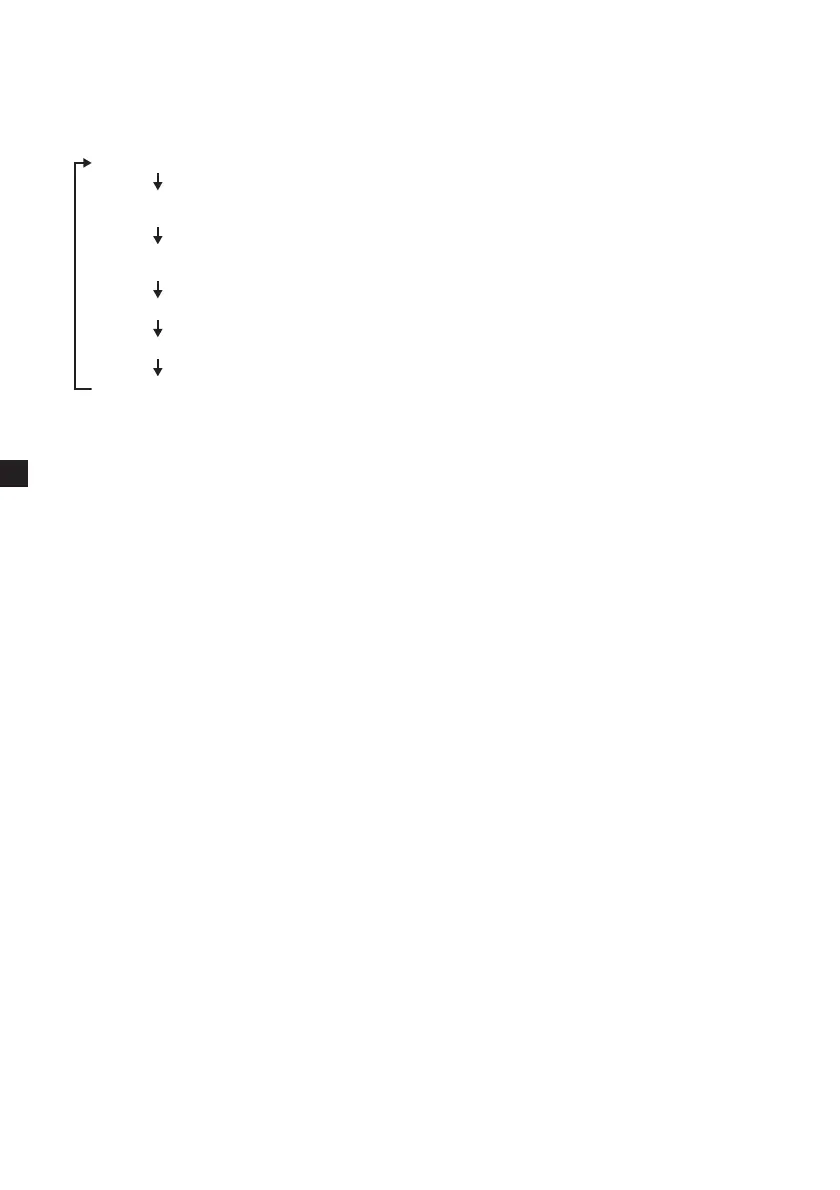
Press (REP) to select the playback mode.
Each time you press (REP), playback mode
changes as follows:
•MP3/JPEG
Folder (plays all the tracks on the folder)
Shuffle (plays tracks at random; tracks are
played only once)
Random (plays tracks at random; the same
track may be played more than once)
Single (plays one track)
Repeat One (repeats one track)
Repeat Folder (repeats all the tracks on the
folder)
Notes
• While playing back, you cannot change a folder
or file with the MP3/JPG menu. Only the files in
the selected folder can be selected with the ./
> button. To change the folder, stop playback.
• Names for the MP3 folders and files are
displayed properly when they consist of
alphabets, numbers, or symbols only. The
characters which this unit does not support are
displayed as “-”.















 To Next Page