28
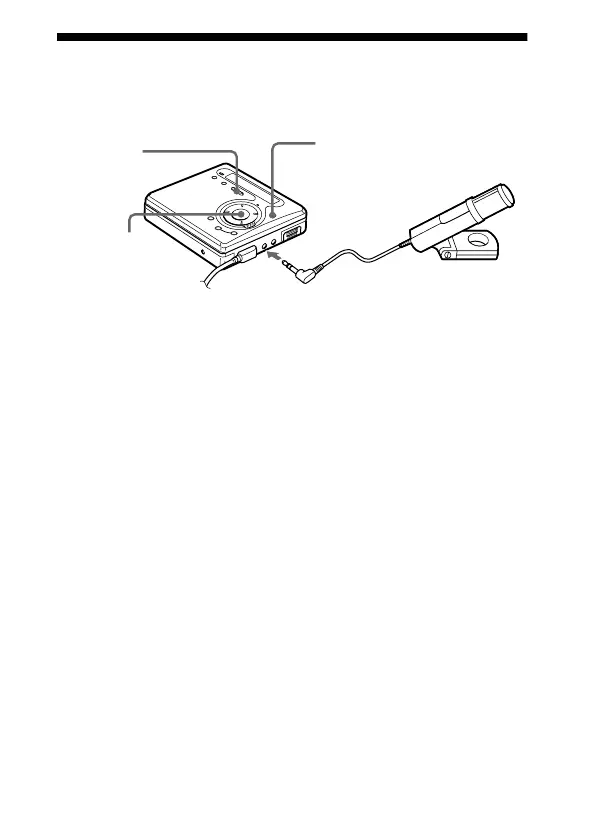
Recording from a microphone
Connect a stereo microphone (ECM-717, ECM-MS907, ECM-
MS957, etc.; not supplied) to the MIC (PLUG IN POWER) jack.
1 Insert a recordable MD and then press and slide REC to the right.
For other operations, see “Recording an MD right away!”
(page 14).
Notes
• You cannot record through the microphone while an optical cable is
connected to the LINE IN (OPTICAL) jack. The recorder automatically
switches input in the following order; optical input, microphone input, and
analog input.
• The microphone may pick up the operating sound of the recorder itself. Use
the microphone away from the recorder in such cases.
to MIC (PLUG IN POWER)
Stereo
microphone
ENTER
REC
<MENU,



 To Next Page
 Loading...








