31
Checking the remaining time or the
recording position
You can check the remaining time, track number, etc. when recording
or during stop.
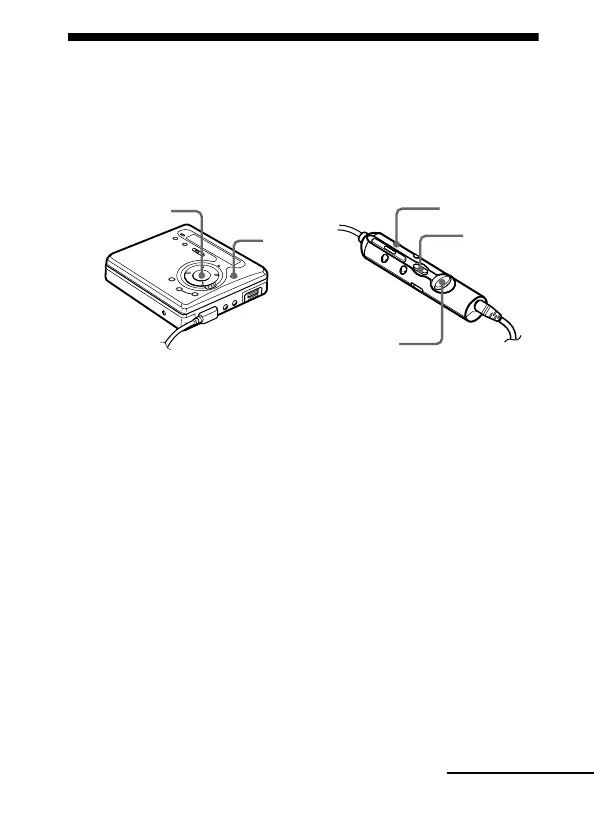
When you operate the recorder with the supplied remote control, use
the buttons and controls shown in parentheses.
1 While the recorder is recording or stopped, press ENTER (EDIT
for 2 seconds or more), press <MENU, (flip the lever
towards > or .) repeatedly until “DISPLAY” flashes in
the display, and then press ENTER (ENTER) again.
2 Press <MENU, (flip the lever towards > or .)
repeatedly until the information you want flashes in the display.
Each time you press MENU, (flip the lever towards .), the
display changes as follows.
ENTER
EDIT
>/.
<MENU,
ENTER
continued


 To Next Page
 Loading...








