18
Playing an MD right away!
To use the recorder on a rechargeable battery or dry battery, see
“Power sources” (page 50).
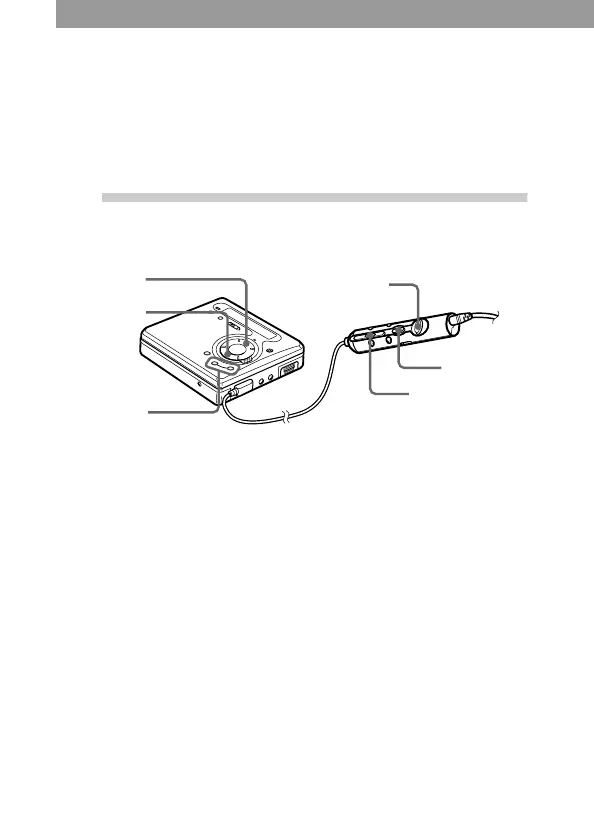
When you operate the recorder with the supplied remote control, use
the buttons and control shown in parentheses.
1
Play an MD.
1 Press N (flip the lever
towards >/N).
A short beep sounds in the
headphones/earphones when
you operate on the remote
control.
2 Press VOL +/– to adjust the
volume.
The volume will be shown in
the display.
To stop play, press x .
A long beep sounds in the headphones/earphones when you operate
on the remote control.
Playback starts from the point you last stopped playing.
After you press x, the recorder will automatically turn off after:
— about 5 minutes when using AC power adaptor.
— about 10 seconds when using batteries.
VOL +/–
VOL +/–
x
x
N
>/N


 To Next Page
 Loading...








