32
Display window
On A
LapTime
The elapsed time of the current track.
r
RecRemain
1)
The remaining recordable time.
r
AllRemain
2)
The remaining time after the current location.
1)
“REC REMAIN” begins flashing in the display when the remaining time on
the disc reaches 3 minutes or less.
2)
Appears only when the recorder is stopped.
3 Press ENTER (ENTER).
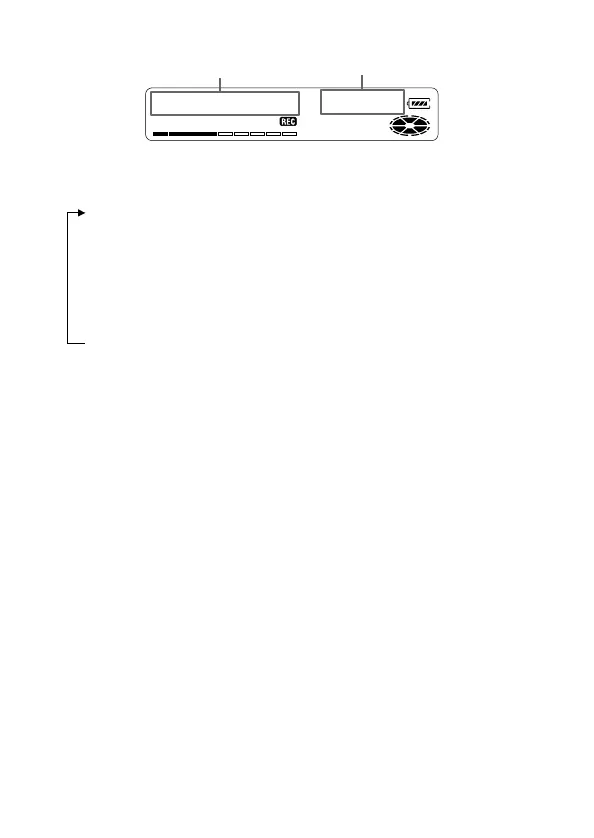
The information selected in step 2 appears in A and B.
A — track number, track name
3)
, or disc name
4)
.
B — the information selected in step 2.
3)
Appears only when “RecRemain” is selected while the recorder is in stop
mode and the track is labeled.
4)
Appears only when “AllRemain” is selected while the recorder is in stop
mode, and the disc is labeled.
z
If you want to check the playing position or track name while playing, see
page 36.
A
B



 To Next Page
 Loading...








