34
Setting the clock
filename[010get.fm] model name1[SLV-N81] model name2[SLV-N71]
[3-065-551-11 (1)]
Tip
• If you want to return to the previous menu, highlight RETURN and press OK.
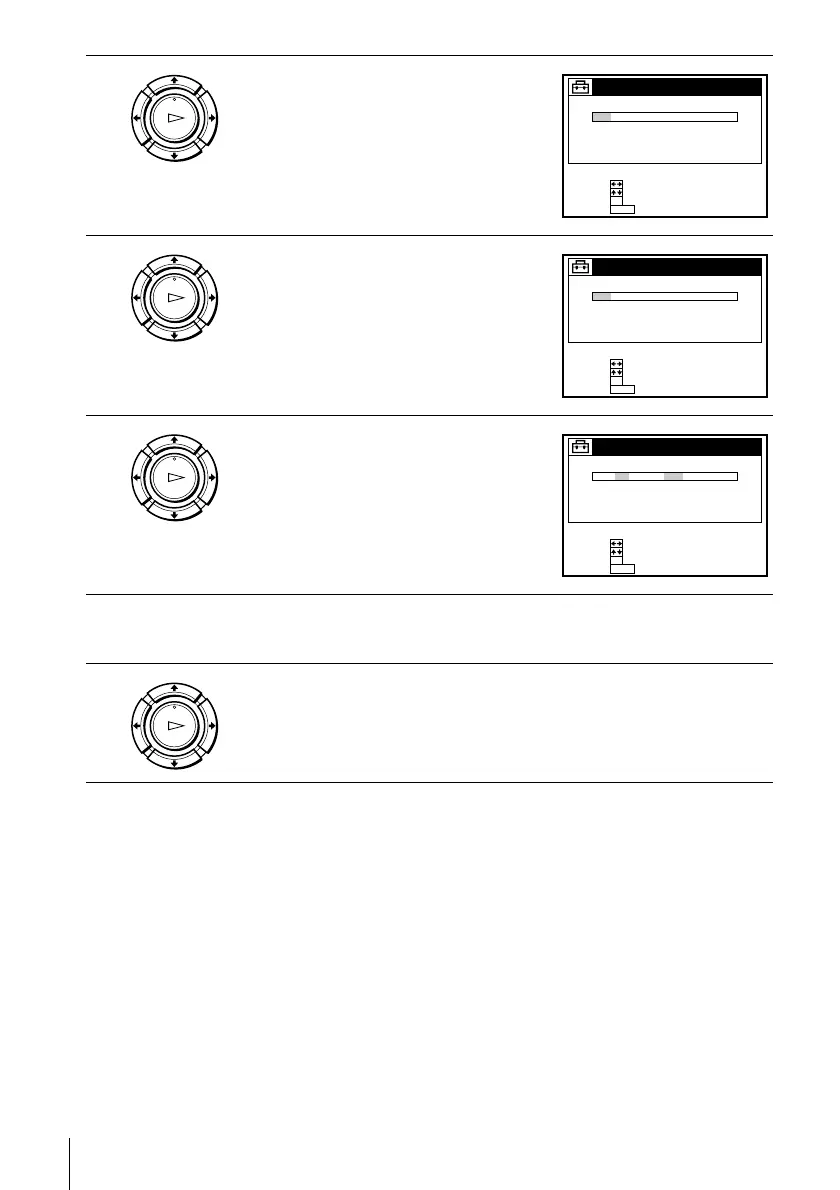
3
Press M/m to highlight MANUAL, then
press OK.
4
Press M/m to set the month.
5
Press , to highlight the day and press M/
m to set the day.
6
Set the year, hour, and minutes in the same way as the day.
The day of the week is set automatically.
7
Press OK to start the clock.
OK
PLAY
END :
SET :
OK
MENU
SELECT :
MON 1 AM00:211002/1/
CLOCK SET
QUIT :
OK
PLAY
END :
SET :
OK
MENU
SELECT :
SAT 1 AM00:219002/1/
CLOCK SET
QUIT :
OK
PLAY
END :
SET :
OK
MENU
SELECT :
FRI 1 AM00:219002/82/
CLOCK SET
QUIT :
OK
PLAY








 To Next Page