46
Presetting channels
filename[010get.fm] model name1[SLV-N81] model name2[SLV-N71]
[3-065-551-11 (1)]
If the picture is not clear
Normally, the Auto Fine Tuning (AFT)
function automatically tunes in channels
clearly. If, however, the picture of a channel
is not clear, you can also use the manual
tuning function.
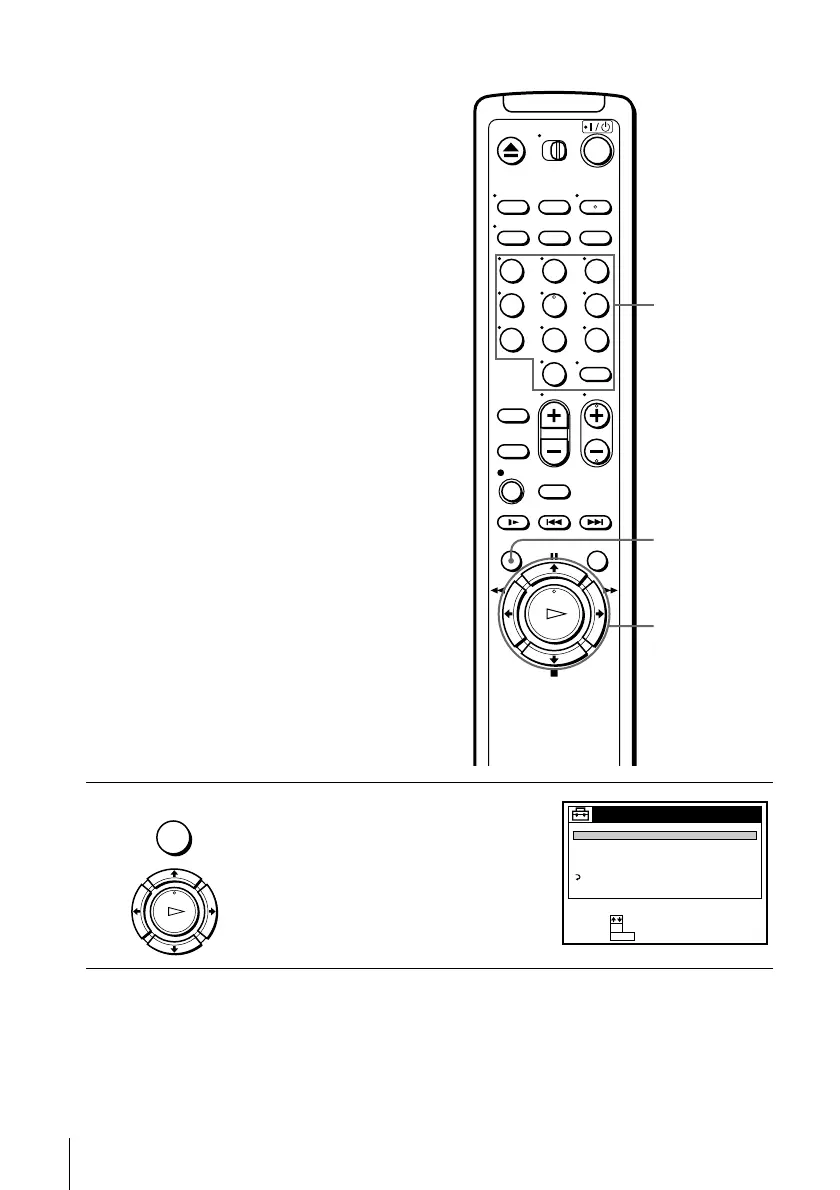
1
Press MENU, then press M/m to highlight
SETTINGS and press OK.
123
456
789
0
MENU
M/m/</,
OK
Number
buttons,
ENTER
MENU
OK
PLAY
SETTINGS
TUNER PRESET
SET VCR Plus+ sys. CH
CABLE BOX CONTROL
CLOCK SET
LANGUAGE
RETURN
SET :
SELECT :
OK
MENUQUIT :








 To Next Page