85
Searching for a selected point on the tape
filename[010addo.fm] model name1[SLV-N81] model name2[SLV-N71]
[3-065-551-11 (1)]
Additional Operations
Searching for a selected point on the tape
You can easily find a specific point by
moving the pointer on the TV screen.
The VCR fast-forwards or rewinds to the
point you indicate and starts playback
automatically.
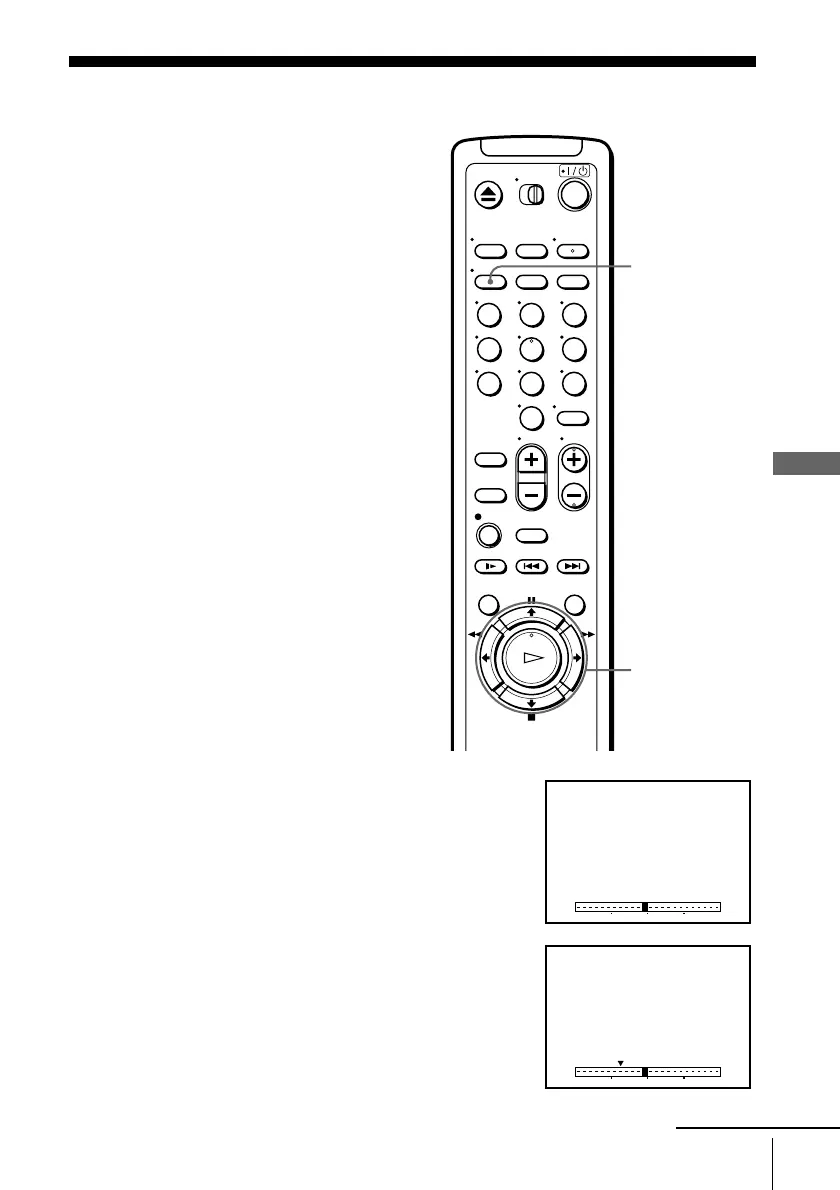
1
Press DISPLAY repeatedly until the bar
indication appears on the TV screen.
Acursor(x) indicating the current position of
the tape appears on the bar indication. If the
cursor does not appear, play the tape a few
moments (by pressing H PLAY, M FF, or
m REW) until the cursor appears.
2
Press </, to move the pointer (V) to the point
where you want to start playback.
The VCR starts searching and the cursor (x)
moves toward the pointer. When the VCR locates
the marked point, playback starts.
123
456
789
0
DISPLAY
</,
0 120
0 120
continued








 To Next Page