80
Checking/changing/canceling timer settings
filename[010addo.fm] model name1[SLV-N81] model name2[SLV-N71]
[3-065-551-11 (1)]
Checking/changing/canceling timer
settings
Before you start…
• Turn on your TV and set it to the video
channel.
1
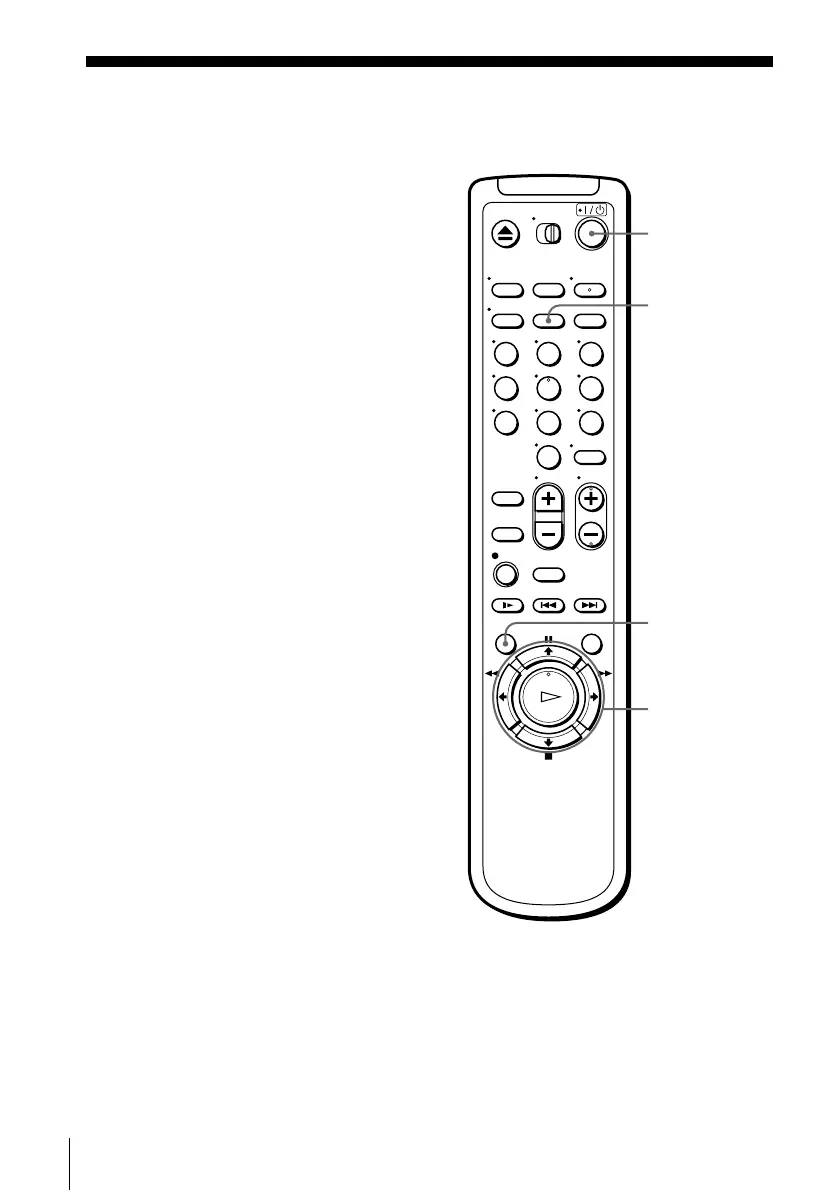
Press ?/1 to turn on the VCR.
2
Press MENU, then press M/m to highlight TIMER SET/CHECK and press OK.
• If you want to change a setting, go on to the next step.
• If you do not need to change the settings, press MENU, then turn off the VCR
to return to recording standby.
123
456
789
0
?/1
CLEAR
MENU
M/m/</,
OK








 To Next Page